Compositing is the last step of a visual effects shot: the compositor takes everything that was made for it, the live-action plate, the CG renders, the FX, the matte paintings, the elements shot on set, and turns it into one believable image, as if a single camera had filmed it all. I've done this job for more than ten years, on films and series at Weta FX, DNEG, Framestore, MPC and other studios, and I mentor students who want to do it too. This page is the map I give them: what compositing is, everything a compositor needs to know, and where to learn it.
Index
- 01. What compositing is
- 02. What a compositor does all day
- 03. The roadmap: everything a compositor needs to know
- 04. Images, channels and premultiplication
- 05. Colour, colour spaces, OCIO and ACES
- 06. Light and photography
- 07. Camera and lenses
- 08. Cinematography and the eye
- 09. Tracking and matchmove
- 10. Roto, paint and prep
- 11. Keying and despill
- 12. CG integration
- 13. 3D in Nuke, USD and Gaussian splats
- 14. Particles and FX elements
- 15. Grain and noise
- 16. The maths of compositing: colour correction, grading, keying, filters
- 17. Scripting: Python, TCL and BlinkScript
- 18. Machine learning, AI and ComfyUI
- 19. Must-have Nuke tools
- 20. Shortcuts, habits and a clean script
- 21. Tech check and QC
- 22. The final grade (DI) before the cinema
- 23. Glossary
- 24. Learning paths: where to start
- 25. Books: my compositor's bookshelf
- 26. Who to follow on YouTube
- 27. Free material to practise on
- 28. News, communities and forums
- 29. Courses, schools and podcasts
- 30. Working in a studio
- 31. Getting hired
- 32. Learn with me: 1:1 lessons
01. What compositing is
Every frame of a VFX shot is built in layers: the plate shot on set, a character rendered in CG, smoke and fire from the FX department, a sky from a matte painter, a dust element shot on black. The compositor combines all of it, and then does the part nobody sees: makes the blacks match, adds the same grain, the same lens, the same light, the same defocus and motion blur, so the audience never doubts that it was all in front of the camera. When compositing is done well, nobody notices it.
The best explanation I know is this short film by Roy Peker: in three minutes it shows what VFX and digital compositing are, step by step.
VFX Games: The Art of Compositing, by Roy Peker (2017).


A shot of mine from Fast X at DNEG: a set with a blue screen becomes a street in Rome. More plate/final pairs in my portfolio.
02. What a compositor does all day
In a studio, a compositor receives a shot with everything the other departments delivered, builds a Nuke script, and renders versions that are reviewed in dailies by the comp supervisor and the VFX supervisor. Notes come back ("the CG is too clean", "match the blacks", "more atmosphere in the background"), you address them, and you send a new version, until the shot is approved by the client. A normal shot goes through many versions.
So the job is technical and artistic at the same time, and it's also about people: reading notes correctly, asking the right questions to lighting or FX, keeping scripts clean so someone else can pick them up. Junior compositors usually start on roto, paint and prep, then simple comps; seniors get the hero shots and sequences; leads and supervisors look after the look of a whole show.
03. The roadmap: everything a compositor needs to know
These are the topics I'd want a compositor to know, in roughly the order I'd study them. Nobody masters all of them at once: start from the first four and come back to the rest as you grow.
- 04Imagespixels, channels, alpha, premultiplication, float, EXR
- 05Colourcolour science, linear and log, OCIO, ACES
- 06Light & photographyexposure, how light behaves, great photographers
- 07Camera & lensesfocal length, depth of field, distortion, grain
- 08The eyecinematography, composition, references
- 09Tracking2D, planar and 3D camera tracking
- 10Roto & paintshapes, edges, clean plates, prep
- 11Keyingkeyers, edges, hair, despill
- 12CG integrationAOVs, light groups, cryptomatte, deep
- 133D, USD & splatsprojections, the USD 3D system, Gaussian splats
- 14Particlesparticles, FX elements, stock
- 15Graindegrain, regrain, noise
- 16Mathsgrading, colour correction, keying, filters, matrices
- 17ScriptingPython, TCL, BlinkScript, your own tools
- 18ML, AI & ComfyUICopyCat, Cattery, ComfyUI, models
Start here
Nuke Non-commercialNuke, NukeX and Nuke Studio for free, for personal learning and projects.
Foundry Learn: compositing pathThe official learning path, from the first node to junior compositor.
ActionVFX: free intro to NukeA free introduction course to Nuke compositing.
04. Images, channels and premultiplication
Before any technique, understand what an image is for Nuke: numbers in channels, not "colours".
- Channels and layers: RGBA, depth, motion vectors, the AOVs of a CG render in a multichannel EXR.
- The alpha and premultiplication: why you unpremult before grading CG and premult again after.
- Float, linear values above 1, bit depth, half float; why we work in EXR and not in JPG.
- Merge operations (over, plus, screen, multiply) and what they really compute.
- Filtering and concatenation: why stacking transforms can soften your image.


Ben McEwanImage filtering and node concatenation, explained simply.
Chris BrejonThe compositing chapter of his free CG Cinematography book.
r/vfxCompositors discussing their order of operations in a comp.
Alvy Ray Smith: AlphaThe history of the alpha channel and premultiplication, by one of its inventors.
OpenEXRThe documentation of the file format every compositor works with.
05. Colour, colour spaces, OCIO and ACES
The topic I see most confusion about, and the one that separates a junior from a senior. You don't need to be a colour scientist, but you need to know exactly what happens to your pixels from the camera to the screen.
- Colour science basics: light, the eye, primaries, white point, gamut.
- Scene-linear versus display-referred; log encodings (LogC, S-Log, Cineon) and why plates arrive in log.
- Colour spaces and transforms: Rec.709, sRGB, ACEScg, ACES2065-1, the view transform.
- OCIO and ACES in Nuke: configs, input and output transforms, working space, what the viewer shows you.
- Grading for a match: Grade, ColorCorrect, saturation and hue, without breaking the linear maths.


My guide on OCIO and ACES
OCIO and ACES in Nuke: 8-bit images in an ACES compMy guide: what OCIO and ACES are, display- vs scene-referred, Utility sRGB Texture vs Output sRGB, ACES 1.2, 1.3 and 2.0 in Nuke 17.
Andreas Mischok"What the hell is colour management?", the clearest video series to start with.
Pixar in a BoxColour science lessons by Pixar on Khan Academy, free.
OpenColorIOThe official OCIO site, with the configs and the documentation.
ACES CentralThe community and documentation of the Academy Color Encoding System.
Compositing AcademyACES tone mapping in Nuke, explained for compositors.
Léonel NguyenAn ACES documentation written by a lighting and comp artist.
Colour Science for PythonOpen-source tools and articles, for when you want to go deep.
Cinematic ColorThe VES paper by Jeremy Selan on colour in VFX pipelines, from the monitor to the big screen.
Hitchhiker's Guide to Digital ColourTroy Sobotka's questions and answers on how colour really works.
ACES documentationThe official technical documentation of ACES.
OCIO documentationHow OpenColorIO configs and transforms work.
acescolorspace.comACES explained for artists, step by step.
Redshift: compositing with ACESHow CG rendered in ACES is set up in Nuke.
Ezequiel Mastrasso: sRGB D60 sim.The ACES sRGB D60 sim. output in Nuke, and when to use it.
ACES Central: Output or Utility sRGB?The classic question about 8-bit images, answered by the community.
Foundry forum: 8-bit assets in ACEScgWhy 8-bit sRGB assets clamp in ACEScg, and what to do.
06. Light and photography
A compositor fixes light all day, so you have to know how light behaves in the real world. Take photos, lots of them, in manual mode: it's the cheapest compositing course there is.
- Exposure: aperture, shutter, ISO, stops; what a stop of light means in linear values.
- Hard and soft light, bounce, falloff, colour temperature, mixed light sources.
- Shadows and contact shadows, atmosphere and haze, how contrast drops with distance.
- Specular and diffuse, fresnel, how skin, metal and glass react to light.
- The exposure triangle and the histogram: read a photo like a light meter.
- White balance, dynamic range and how many stops a sensor can hold.
- Shoot references on set: grey and chrome balls, HDRI brackets, a colour chart.


Escape StudiosTheir cinematography series for VFX artists.
Cambridge in ColourFree photography tutorials: exposure, light, colour, sensors. A must.
Photographers and cinematographers to study
Roger DeakinsHis site and forum: questions on lighting answered by the cinematographer of Blade Runner 2049 and 1917.
Team Deakins podcastRoger and James Deakins in conversation with filmmakers.
Vittorio StoraroThe work and the theory of light of the cinematographer of Apocalypse Now.
Ansel AdamsThe master of exposure and the Zone System.
Henri Cartier-Bresson FoundationComposition and the decisive moment.
FilmGrabThousands of frames from films, to study light and composition.
ShotDeckA searchable library of film frames, used by cinematographers for references.
07. Camera and lenses
Half of making CG look real is making it look filmed. The camera leaves fingerprints on every frame, and your CG needs the same ones.
- Sensor size, focal length, field of view and perspective.
- Depth of field, focus distance, bokeh shape (spherical and anamorphic).
- Lens distortion and how to undistort and redistort (STMaps, lens grids).
- Chromatic aberration, vignetting, flares, veiling glare, halation.
- Motion blur and shutter angle, rolling shutter, grain and noise.


Glass (CG Lounge)Documentation of a photographic lens system for Nuke: a lesson on lenses in itself.
KehekaCompositing photorealistic lens effects in Nuke.
CAVE AcademyHow lens grids are shot on set, and why you need them.
LesterbanksWorking with and matching lens distortion in Nuke.
Aitor Echeveste: Camera RealismA course on the whole camera chain for compositors: lens, focus, sensor artefacts, motion and delivery, in Nuke.
Video Copilot: Optical FlaresThe classic lens flare plugin: also great to study how real flares are built.
Higx OpticsBokeh by ray tracing a real lens design, for Nuke, After Effects and Resolve.
Glass 2.0 (Arvid Schneider)One node for all lens effects: film stocks, anamorphic bokeh, distortion.
Marty Blumen: STMap ExtensionA BlinkScript tool that extends cropped STMaps beyond their bounding box.
Lens and camera artefacts, one by one
Every one of these is something a real camera does, and something your CG doesn't do unless you add it. Learn to recognise them in plates and references.
- Depth of field and bokeh
- What's in focus depends on aperture, focal length and distance; out-of-focus highlights take the shape of the aperture.
- Cat's-eye bokeh
- Towards the edges of the frame the bokeh gets cut by the lens barrel into cat's-eye shapes.
- Lens distortion
- Barrel or pincushion: undistort to track and comp, redistort at the end.
- Chromatic aberration
- Colour fringes towards the edges (lateral) or around highlights (longitudinal).
- Vignetting
- Light falls off towards the corners of the frame.
- Flares and ghosts
- Internal reflections of bright sources: streaks, rings and ghosts mirrored across the centre.
- Veiling glare
- Stray light lifts the blacks and lowers the contrast around bright sources.
- Diffusion and bloom
- Filters like Pro-Mist and older coatings spread the highlights into a soft glow.
- Halation
- On film, light bounces back through the emulsion: a red-orange glow around bright edges.
- Lens breathing
- The framing changes slightly when the focus changes.
- Focus pulls
- The plane of focus moves during the shot, and CG has to follow it.
- Field curvature and astigmatism
- The edges of the frame don't focus on the same plane as the centre.
- Anamorphic
- A squeezed image: oval bokeh, horizontal streaks, its own distortion.
- Motion blur and shutter
- The shutter angle sets how long each frame is exposed: 180° is half the frame.
- Rolling shutter
- CMOS sensors read the lines over time: verticals lean in fast pans.
- Grain and noise
- Film grain changes per channel and exposure; digital noise is strongest in shadows and blue.
- Gate weave
- On film, the frame moves slightly in the gate.
- Compression and sharpening
- Edge enhancement and macroblocks in some plates: match them or work around them.
08. Cinematography and the eye
Technique gets a shot to work; the eye gets it to look right. Study films the way a cinematographer does, collect references for everything, and learn to describe what you see.
- Composition, framing and where the eye goes in a frame.
- How cinematographers light a scene, and why a shot "feels" a certain way.
- Real references: look at a real explosion, a real sky, real skin before you build one.
- Taste: knowing when to stop, and when a "cool" effect breaks the realism.
09. Tracking and matchmove
Almost every shot is tracked. Choosing the right kind of tracking is half the work: a 2D track where a 3D one is needed slides; a 3D solve where a corner pin would do wastes a day.
- 2D tracking: one, two and four points; what translate, rotate and scale come from.
- Planar tracking (Mocha, Nuke's planar tracker) and corner pins.
- 3D camera tracking: solve, lens, point clouds, scene scale.
- Stabilise, work, matchmove back: the classic paint and screen replacement workflow.
2D, planar and 3D tracking
- 2D point tracking
Follows one or more small patterns in screen space. One point gives position; two give rotation and scale; four give a corner pin. Use it to stabilise, to stick an element on a point, to remove a marker.
Nuke Tracker · Mocha · Silhouette - Planar tracking
Follows a whole flat surface instead of points, so it survives occlusions and parts leaving frame. It solves a perspective transform: perfect for screens, signs, walls, and to drive roto shapes.
Mocha Pro · Nuke's planar tracker in Roto · Resolve - 3D camera and object tracking
Matchmove: solves the real camera (position, rotation, focal length, lens distortion) from many tracked points, so CG and projections share the plate's parallax. Object tracking solves a moving object instead of the camera.
Nuke CameraTracker · PFTrack · 3DEqualizer · SynthEyes · KeenTools
 Nuke
Nuke Mocha Pro
 PFTrack
 3DEqualizer
 Silhouette
 Boujou


Hollywood Camera WorkPlates with tracking markers and moving cameras, to practise on.
VFX Camera DatabaseCamera sensor data and a lens distortion workflow.
SynthEyes: intro to matchmovingA free video introduction to 3D camera tracking, by Boris FX.
3DEqualizerThe matchmove software of the big studios, with its documentation.
KeenTools GeoTrackerTrack rigid and deforming 3D objects in Nuke, and estimate the camera.
Go deeper on tracking
ProVideo Coalition: tracking in MochaA survival guide to tracking in Mocha.
PFTrack learningThe Pixel Farm's free courses and quick tips on matchmoving.
SynthEyes learningTutorials for SynthEyes camera and object tracking.
10. Roto, paint and prep
Where most compositors start, and work that never stops being useful. Good roto is about edges and motion, not about the number of points.
- Roto: shape breakdown, motion blur, feather, hair and soft edges.
- Paint: clone and reveal, clean plates, wire and rig removal, markers.
- Smart vectors and STMaps to propagate paint through a shot.
- Prep: degrain, regrain, and giving back to the plate exactly what you took.
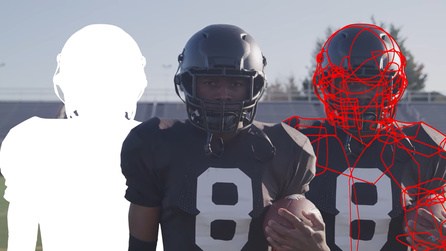
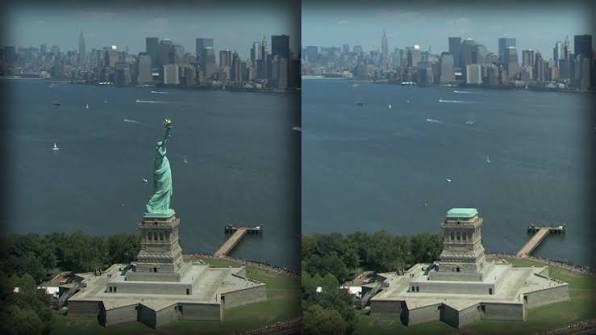
befores & aftersThe story of Nuke's Smart Vectors, from the people who made them.
AI and machine learning roto
AI is changing roto faster than any other task: the matte still needs a compositor's eye on edges and motion blur, but the first pass is getting automatic.
ONYX AI MatteAn OFX plugin for Nuke and Resolve that extracts mattes with AI from text, points or boxes.
Foundry SmartRotoAI that moves your Roto splines between keyframes, inside Nuke.
BeebleAI rotoscoping with MatAnyone, with mattes ready for Nuke.
Open-source AI rotoSAM, ViTMatte and MatAnyone pipelines to try for free.
11. Keying and despill
- How the keyers work: Keylight, IBK, Primatte, chroma and luma keys.
- Core matte and edge matte; keying hair and motion blur.
- Despill algorithms and how to restore the colour of the new background.
- Edge extend, light wrap, and integrating the edge into the new plate.
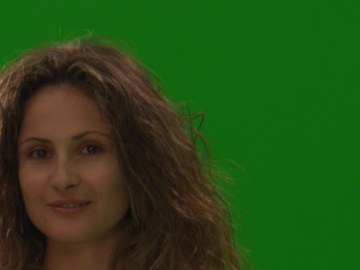
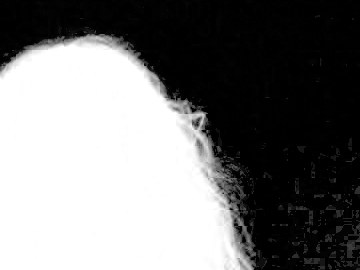
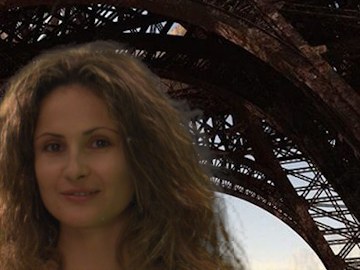
TiraokaThe secret of IBK: how the image-based keyer really works.
Tony Lyons: Advanced Keying BreakdownThe series every compositor should read: how a production key is built, piece by piece.
12. CG integration
Most shots today have CG in them: the compositor rebuilds the render from its passes and makes it sit in the plate.
- AOVs: diffuse, specular, emission, SSS; rebuilding the beauty and balancing it.
- Light groups, utility passes (position, normals, depth, motion), cryptomatte.
- Deep compositing and holdouts.
- Matching: black levels, saturation of shadows, highlights, atmosphere, defocus, grain.


Compositing Academy: CA RelightA relighting interface for Nuke, with a video walkthrough.
Deep compositing
A normal image has one value per pixel; a deep image keeps a list of samples per pixel, each with its depth. So you can merge CG elements, volumes and holdouts in depth without rendering holdout mattes for every combination, and change the animation of one element without re-rendering the others. It was born at Weta for Avatar and became part of OpenEXR 2.0. The price is disk space and memory.
- DeepRead, DeepMerge, DeepHoldout, DeepToImage: the basic deep nodes.
- Holdouts in depth instead of rendered mattes; deep for volumes, fog and particles.
- When deep is worth it, and when a flat comp is simpler and faster.
Go deeper on deep
fxguide: the art of deep compositingHow Weta, ILM, MPC and Animal Logic use deep in production.
13. 3D in Nuke, USD and Gaussian splats
- Cameras, cards, geometry and the ScanlineRender.
- Camera projection for set extensions and 2.5D moves.
- Point clouds, position passes and relighting in comp.


The classic 3D system and the new USD one
Nuke now has two 3D systems. The classic one (Card, Camera, ReadGeo, ScanlineRender) is what most compositors learned on. Since Nuke 14 Foundry has built a new 3D system on USD, out of beta with Nuke 17: what flows through the node graph is a USD stage with a hierarchy of prims, not a flat list of objects, so big scenes from layout and lighting come in without conversion and stay fast. The two systems don't connect to each other (in the node graph, the classic 3D nodes are green and the USD ones are red/orange), the new render node is ScanlineRender2, and Foundry plans to retire the classic system once the new one does everything. Projections work differently in USD: learn both, because you'll find both in production scripts for years.
- A USD stage, prims and paths: how a scene is organised, and how to select a part of it.
- Projections, cards and cameras in the new system, and how they differ from the classic nodes.
- Gaussian splats: import, view, mask with Field nodes, render with SplatRender (with depth and deep), merge with your plate.
USD in Nuke
Nuke 17.0 rewires 3DDigital Production on the USD 3D system out of beta and native splats.
OpenUSD documentationPixar's official documentation of Universal Scene Description.
Alliance for OpenUSDThe industry alliance behind the USD standard.
NVIDIA: what is USDA clear introduction to USD and its concepts.
Gaussian splats
3D Gaussian Splatting (Inria)The original paper that started it all, with videos.
Jawset PostshotTrain splats from your own photos or video.
SuperSplatA free browser editor to clean and optimise splats.
Radiance Fields: splats in NukeNews and tools about Gaussian splatting in Nuke.
2.5D compositing and camera projection
Between a flat comp and a full 3D render there is 2.5D: images projected onto simple geometry or placed on cards in 3D space, seen through the tracked camera. It gives real parallax to matte paintings, set extensions and clean plates, at a fraction of the cost of CG.
- Cards in 3D space at the right depth, from a tracked camera.
- Camera projection: project the plate or a painting from a frame's camera onto geometry.
- Stretching and occlusion: where projections break, and how to patch them.
Go deeper on 2.5D
Camera projection in NukeA free tutorial: give depth to a matte painting with projections.
Gnomon: 2.5D projectionsA workshop: camera track, layered projections, depth and grain.
14. Particles and FX elements
Dust, snow, sparks, debris, rain, embers: a lot of what makes a shot feel alive is small FX that a compositor adds directly, with Nuke's particles or with stock elements.
- Nuke's particle system (NukeX): ParticleEmitter, forces like gravity, wind and turbulence, ParticleMerge.
- Emit from geometry or a point cloud, render through the shot camera so particles share the parallax.
- Stock elements (fire, smoke, sparks shot on black) and how to integrate them: screen vs plus, depth, light.
- When it's time to ask FX, or to learn Houdini.
Go deeper on particles
Houdini ApprenticeThe free version of Houdini, to learn real FX.
15. Grain and noise
Grain is the note I've seen most often in dailies. Every element you add (CG, a paint patch, a clean plate, a projection) must have the same grain as the plate, or it reads as fake even if everything else is perfect.
- Degrain the plate before keying and paint, then put the original grain back at the end.
- Match grain per channel: blue is usually the noisiest; size and intensity change with exposure.
- Regrain everything you add: CG, paint, clean plates, retimes, scaled or blurred areas.
- Check grain at 100% and in motion, not on a still frame.
Tools and guides
16. The maths of compositing: colour correction, grading, keying, filters
You don't need to love maths, but a little goes a long way: once you know what a node computes, you stop guessing and start fixing.
- What merges, grades and keyers do to the numbers.
- Matrices for transforms and colour, convolutions for filters.
- Vectors and trigonometry for trackers, expressions for animation.
- The Grade node as a formula: lift, gain, multiply, offset, gamma; ColorCorrect's shadows, midtones and highlights ranges.
- Saturation and hue: luma weights, HSV, why Rec.709 and average give different results.
- Lin, log and gamma: why you grade and blur in linear.
- Keying and despill as maths: colour difference, IBK, spill maps.
Colour correction and grading
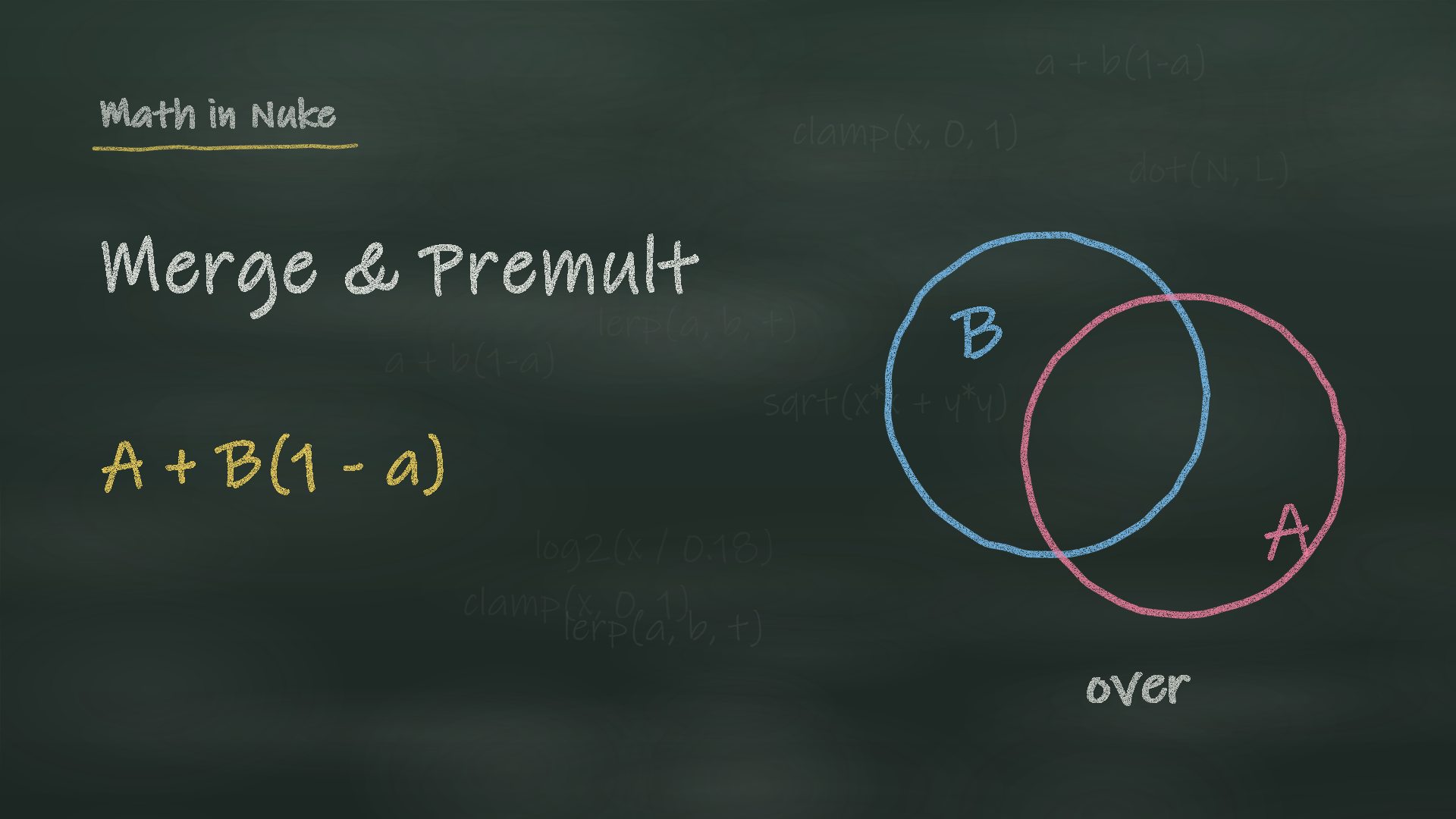 Merge and Premultiplicationover, plus, screen, multiply and the mattes, what premultiplied means and why you unpremult to grade, with a live lab.
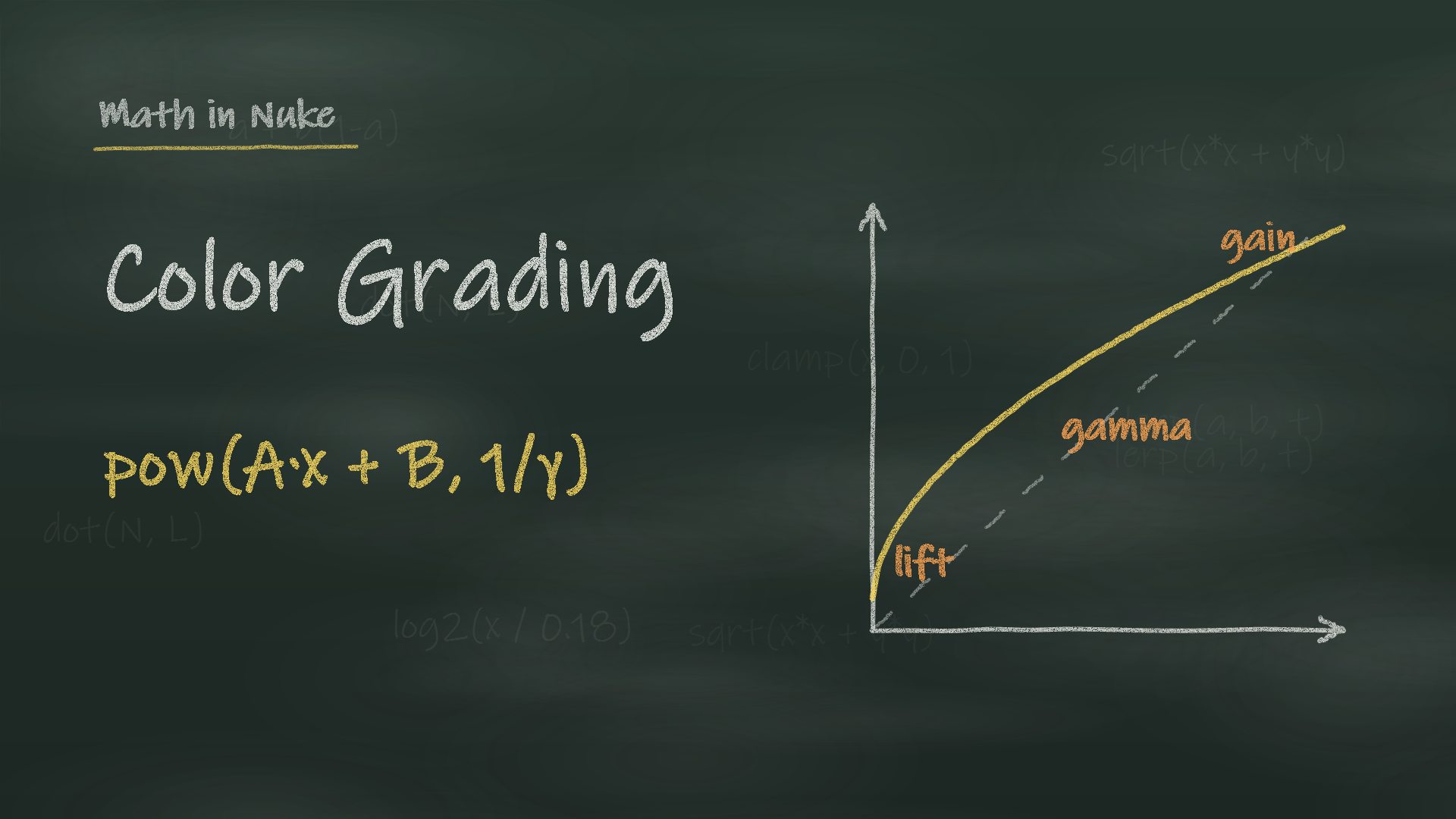 The Grade NodeThe exact maths of the Grade from Foundry's source code: the line, the clamps, the gamma above 1, reverse and the CDL, with a live lab.
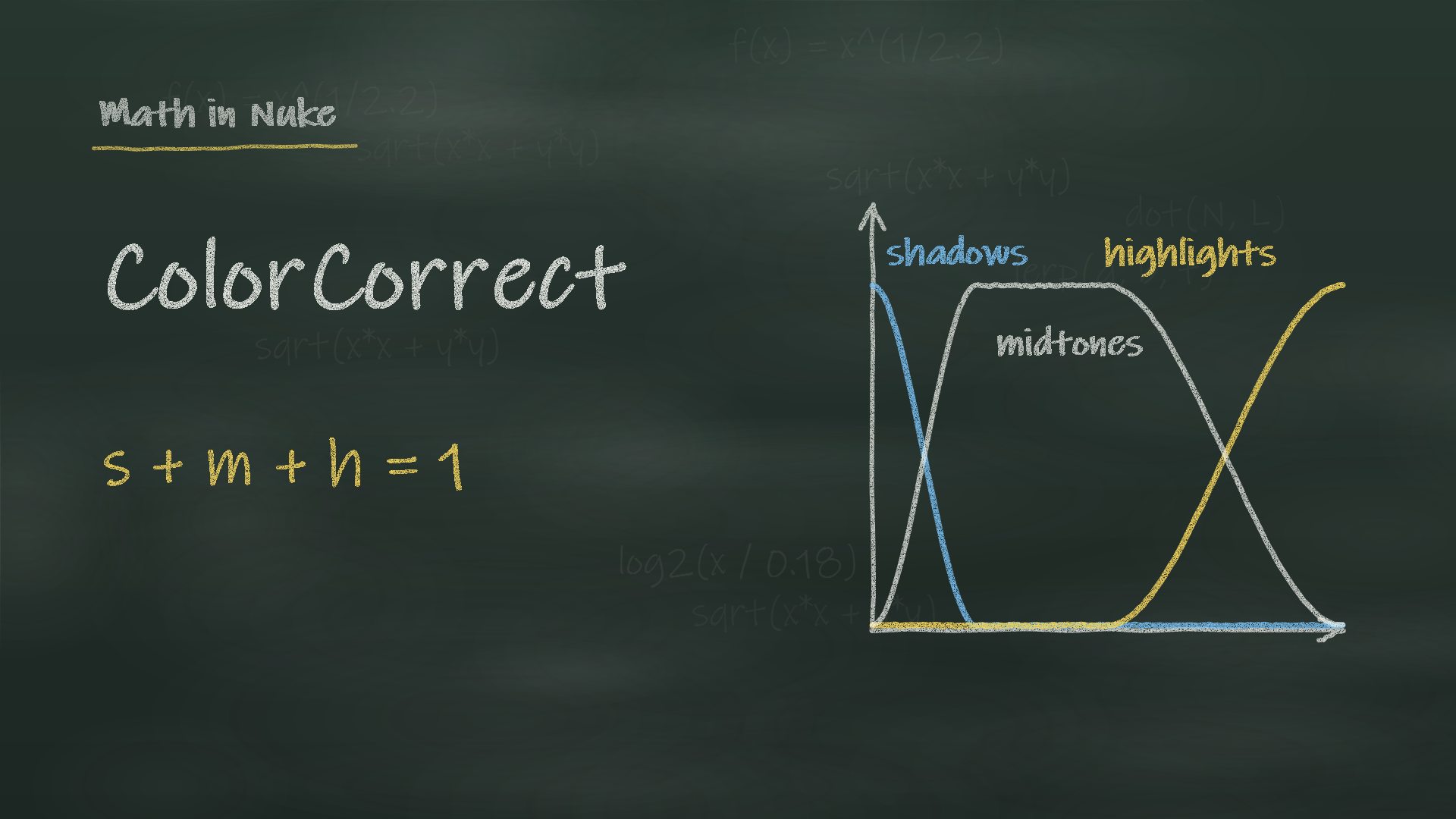 The ColorCorrect NodeMaster, shadows, midtones and highlights: the ranges, the order of the knobs and contrast around 0.18, with a live lab.
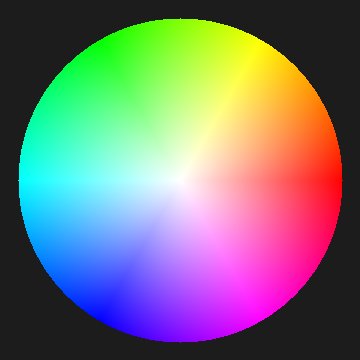
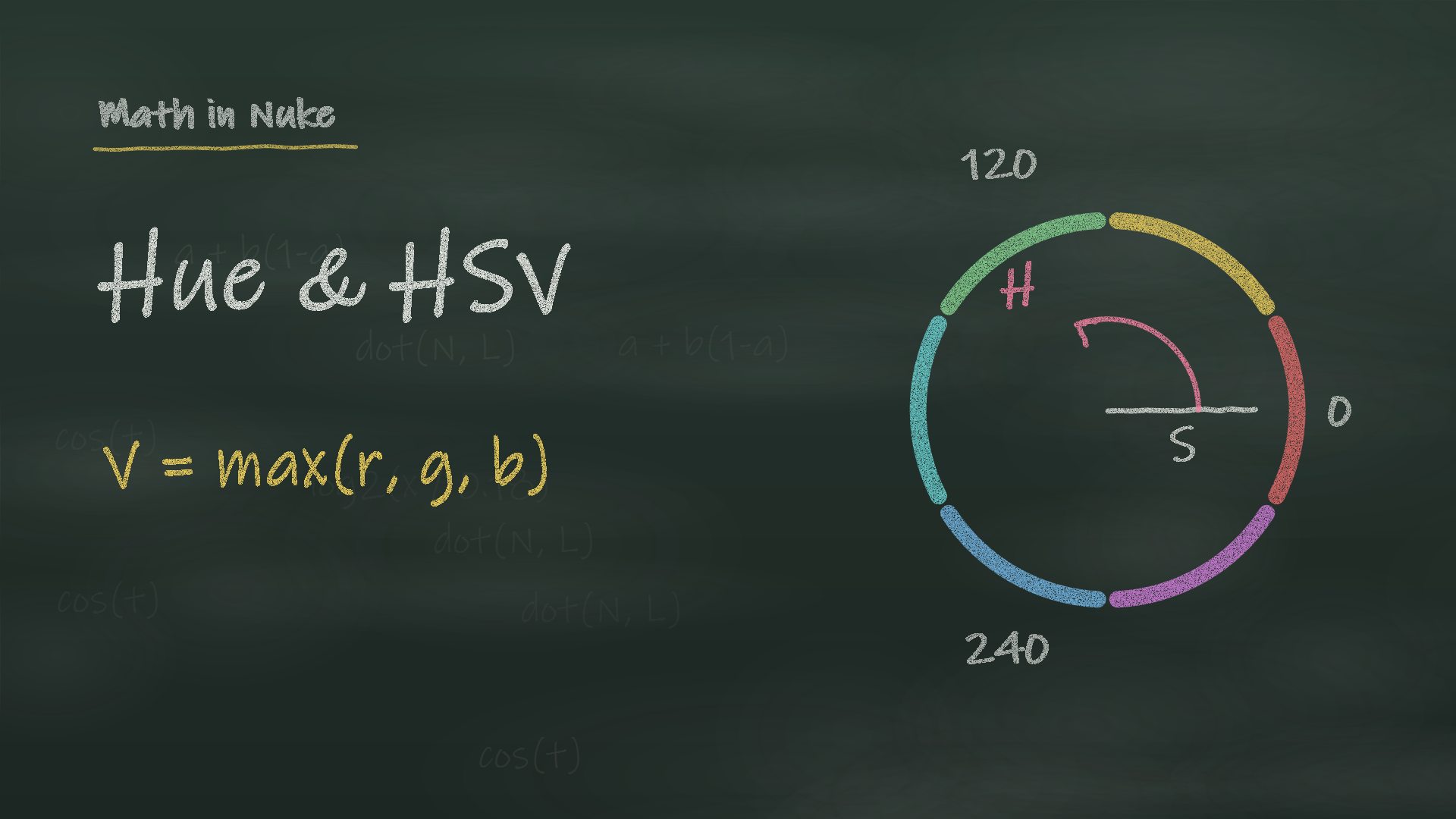 Saturation, Hue and HSVSaturation and its four greys, HSV, HueCorrect and despill, HueShift and HSVTool, with a lab that reads H, S and V.
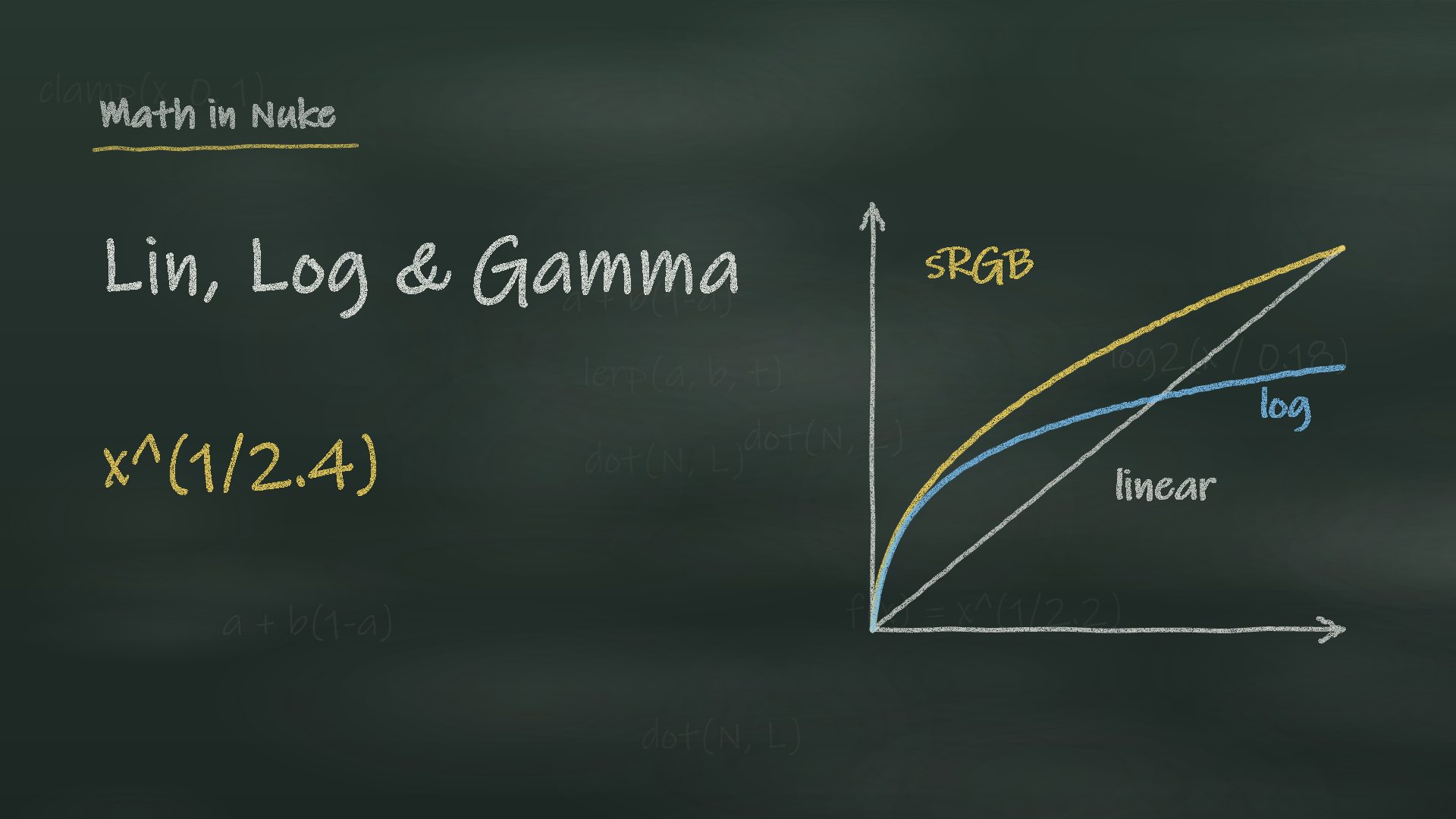 Lin, Log and GammaScene linear, stops and 18% grey, sRGB and log curves, and why blurs and merges need linear, with a live lab.
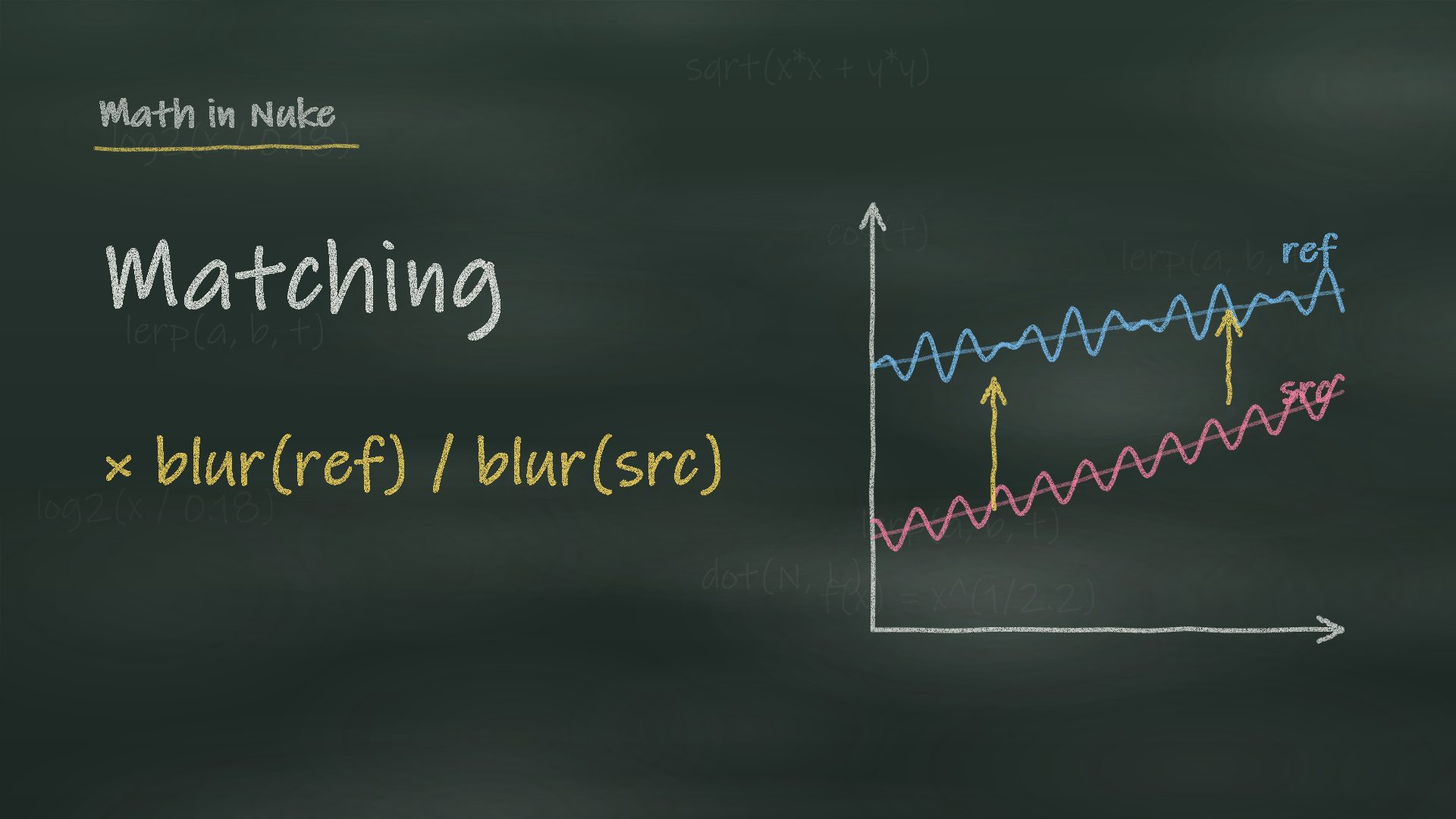 Matching Colour and LightBlack levels, low-frequency ratios, luminance and colour with separate amounts, and a ColourMatch node of mine.
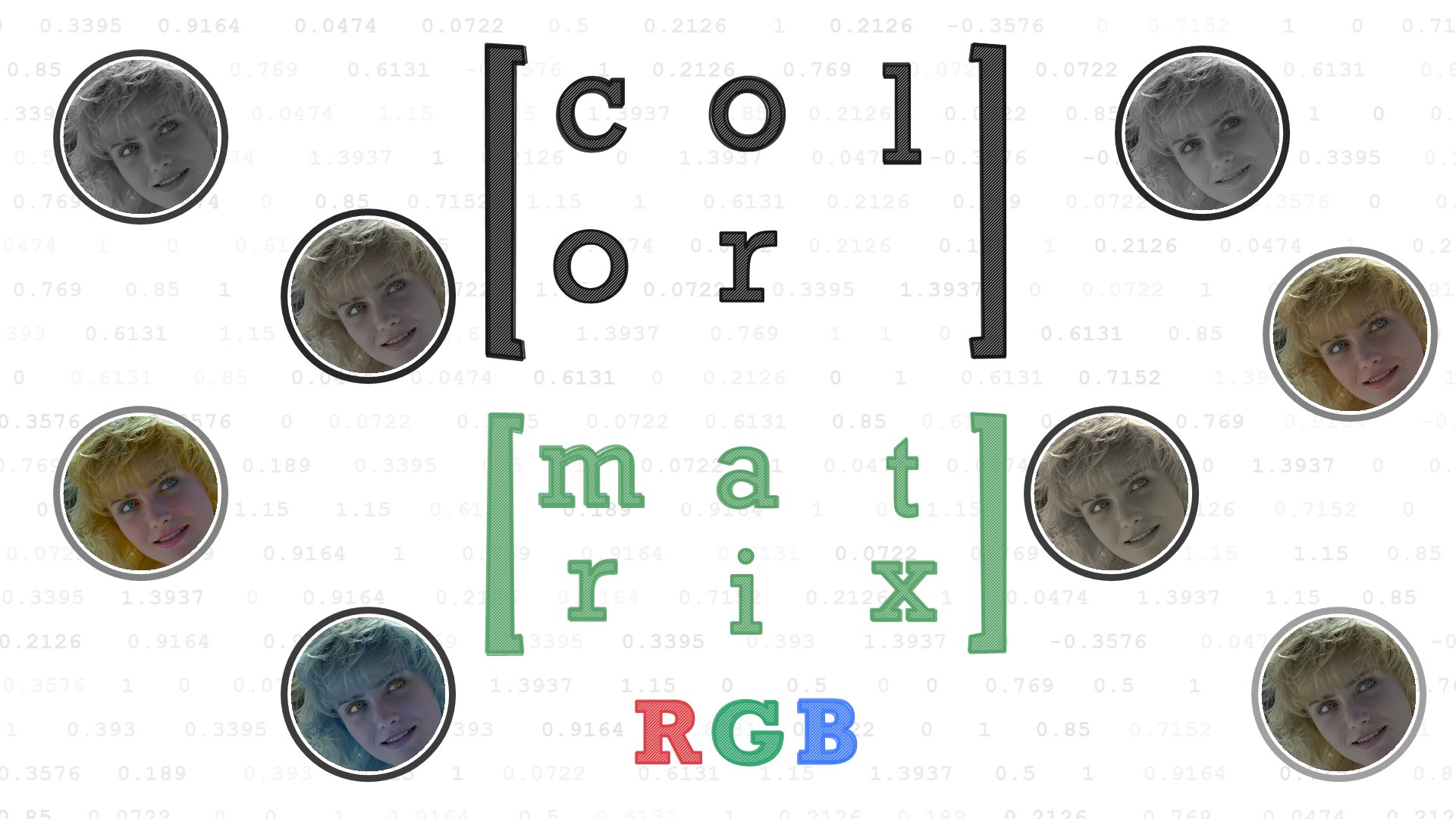 ColorMatrixRead a 3x3 colour matrix row by row: luminance, saturation, channel swaps, Rec.709 to ACEScg and normals to camera space, with a live Lab.
Keying, mattes and edges
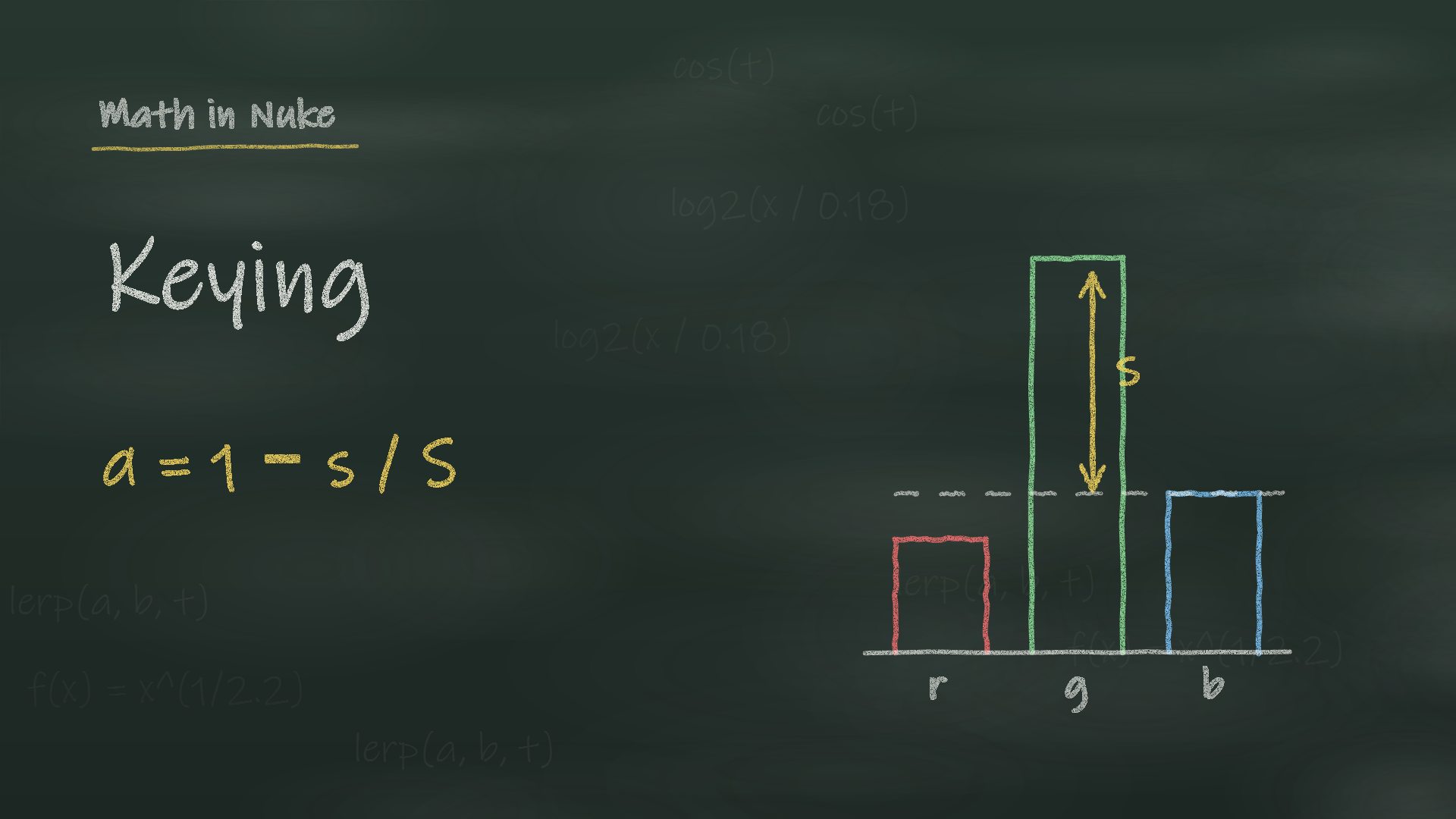 The Math of KeyingThe alpha of every keyer, measured in Nuke: luma, colour difference, IBK, Keylight, ChromaKeyer, additive keyer, with a lab on real plates.
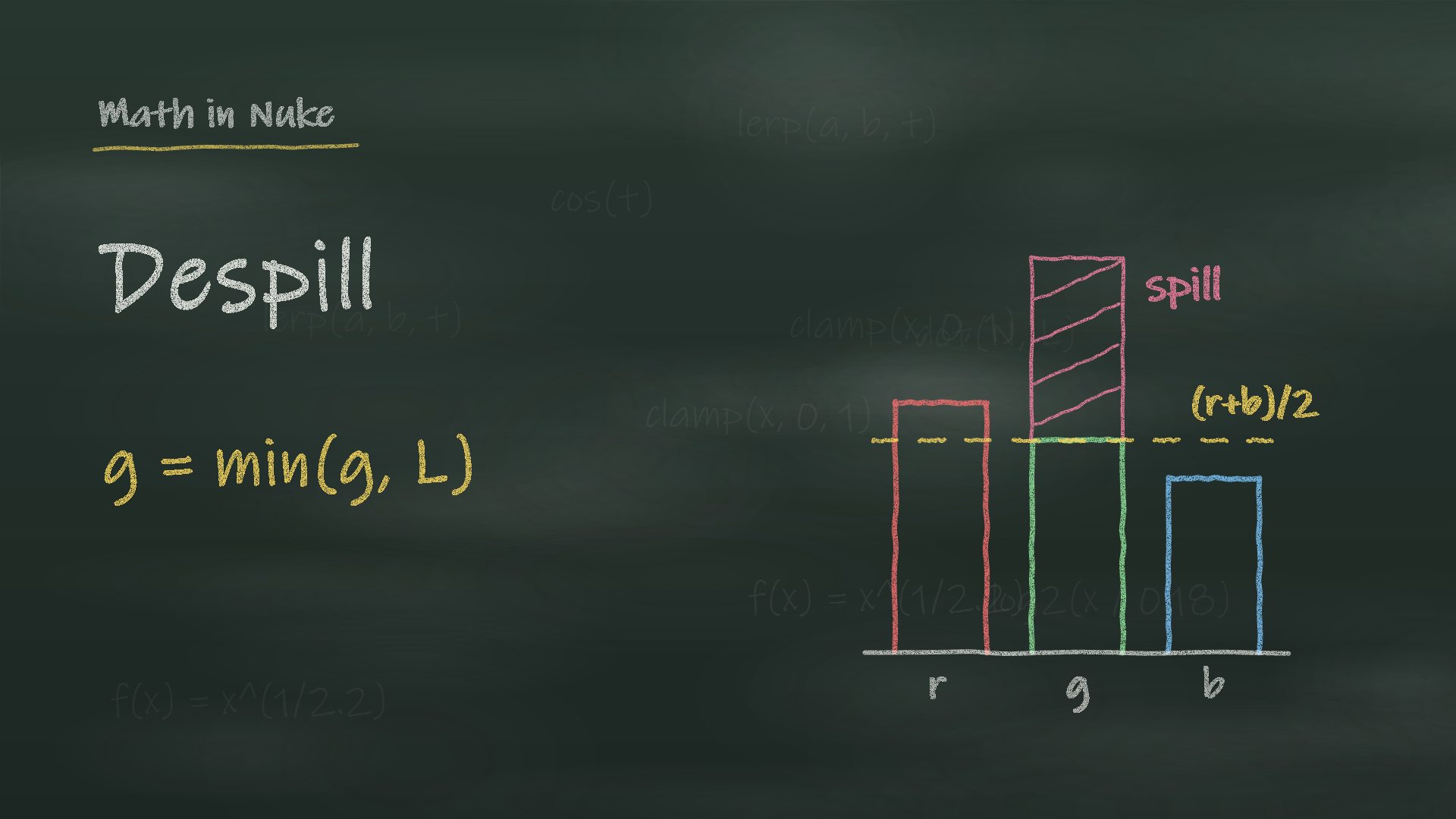 The Math of DespillEvery despill with numbers: limits, spill map, giving back the light as grey or as the background, screen subtraction, with a lab on real plates.
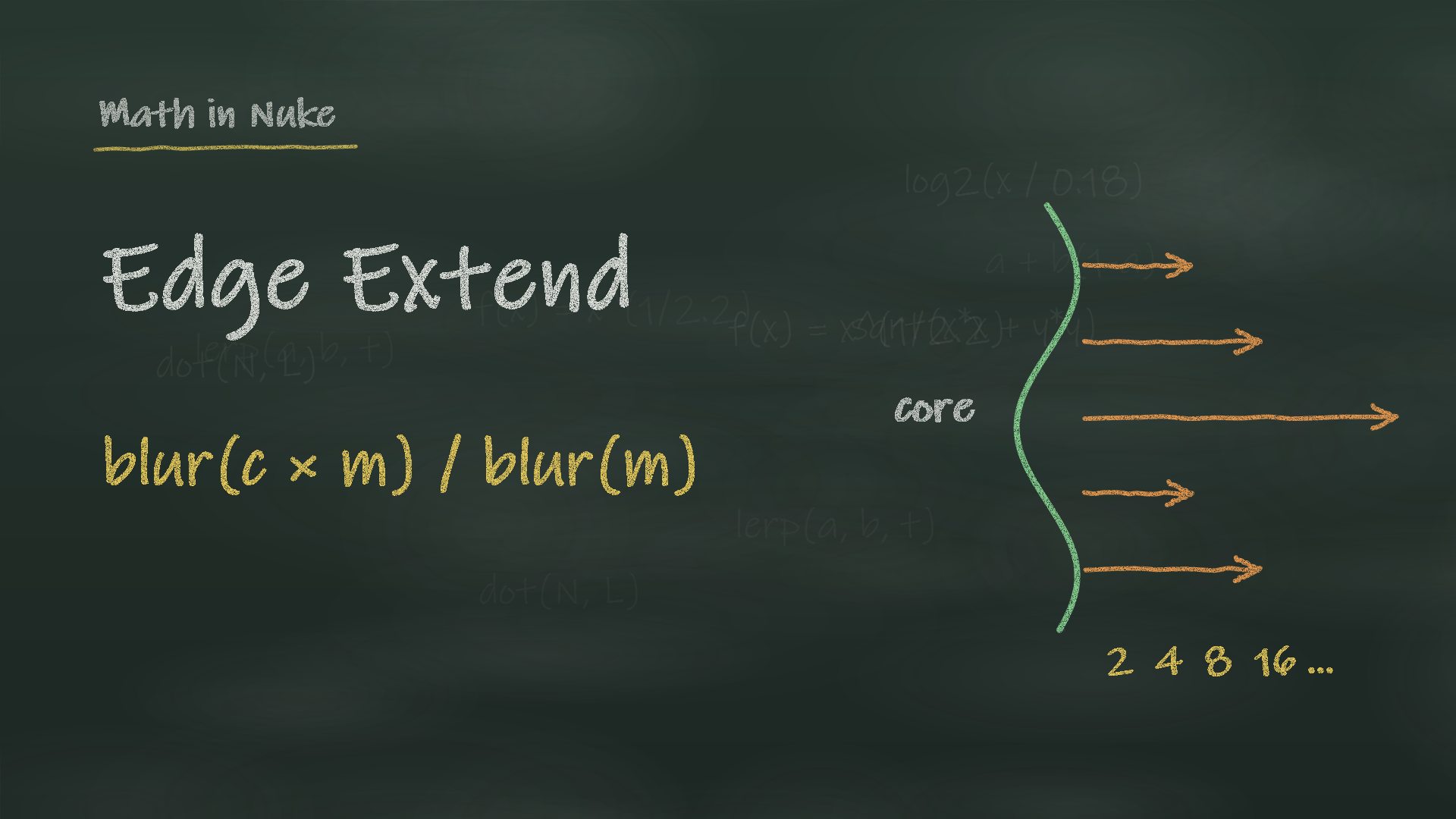 Edge Extend and Hole FillingPremult, blur, unpremult explained, the core matte, stacked and directional extends, with a lab and a node of mine.
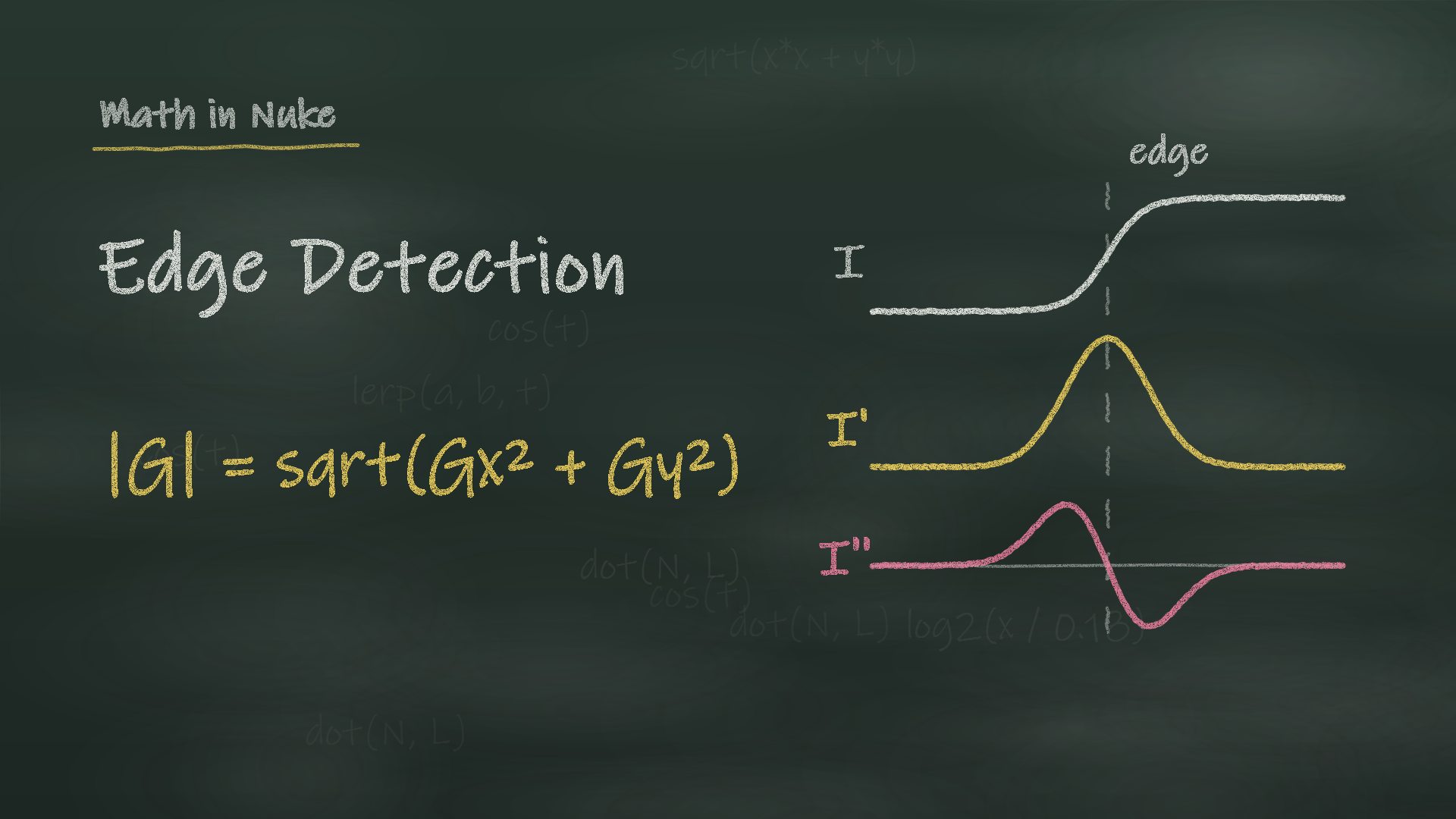 Edge DetectionDerivatives and kernels, Nuke's EdgeDetect measured, Laplacian, Canny, edge bands and rim light from the alpha, with a lab.
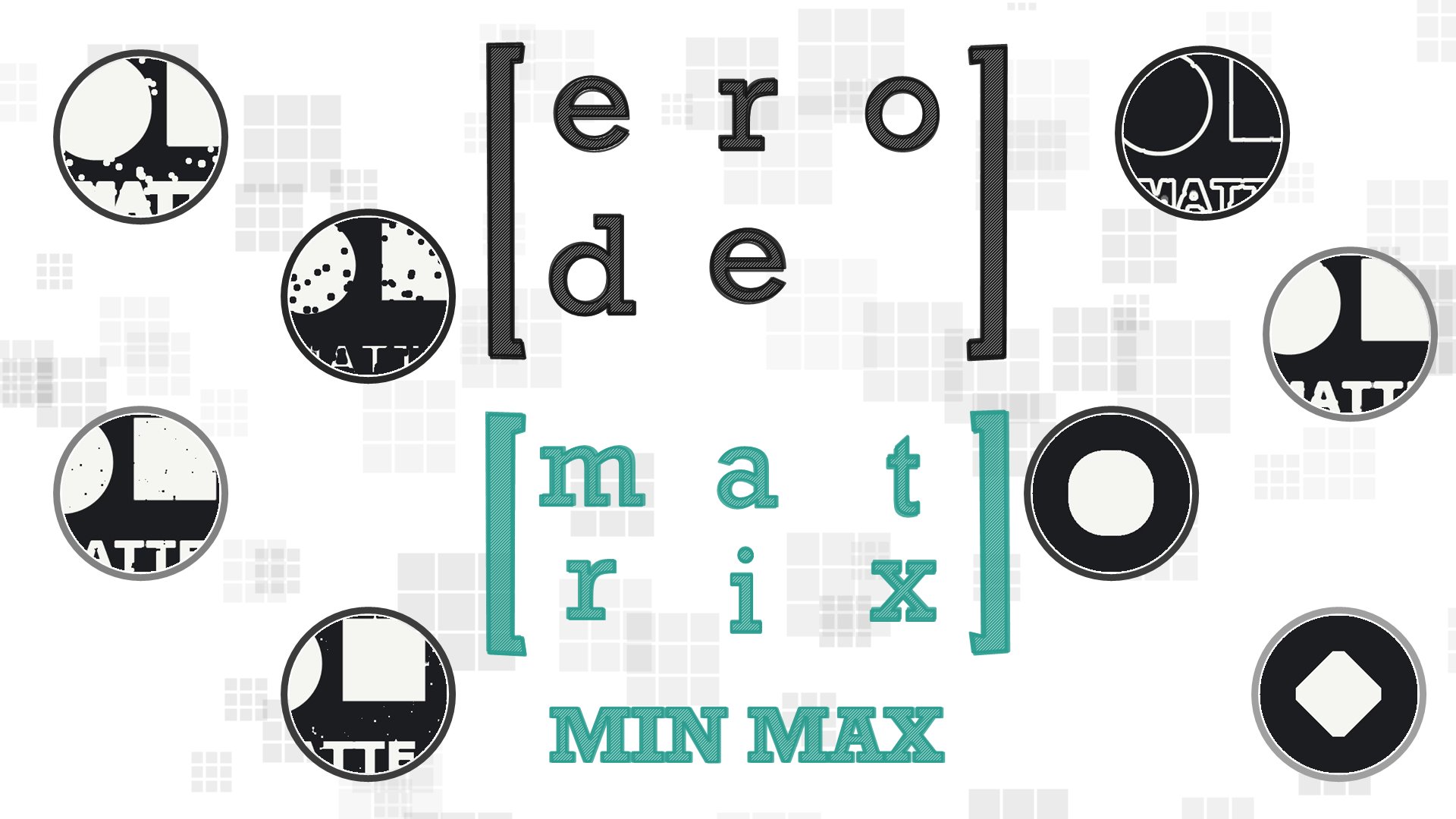 MorphologyErode, Dilate and Median: max and min instead of a sum, open and close, edge mattes and despeckle, with a live lab.
Filters and resampling
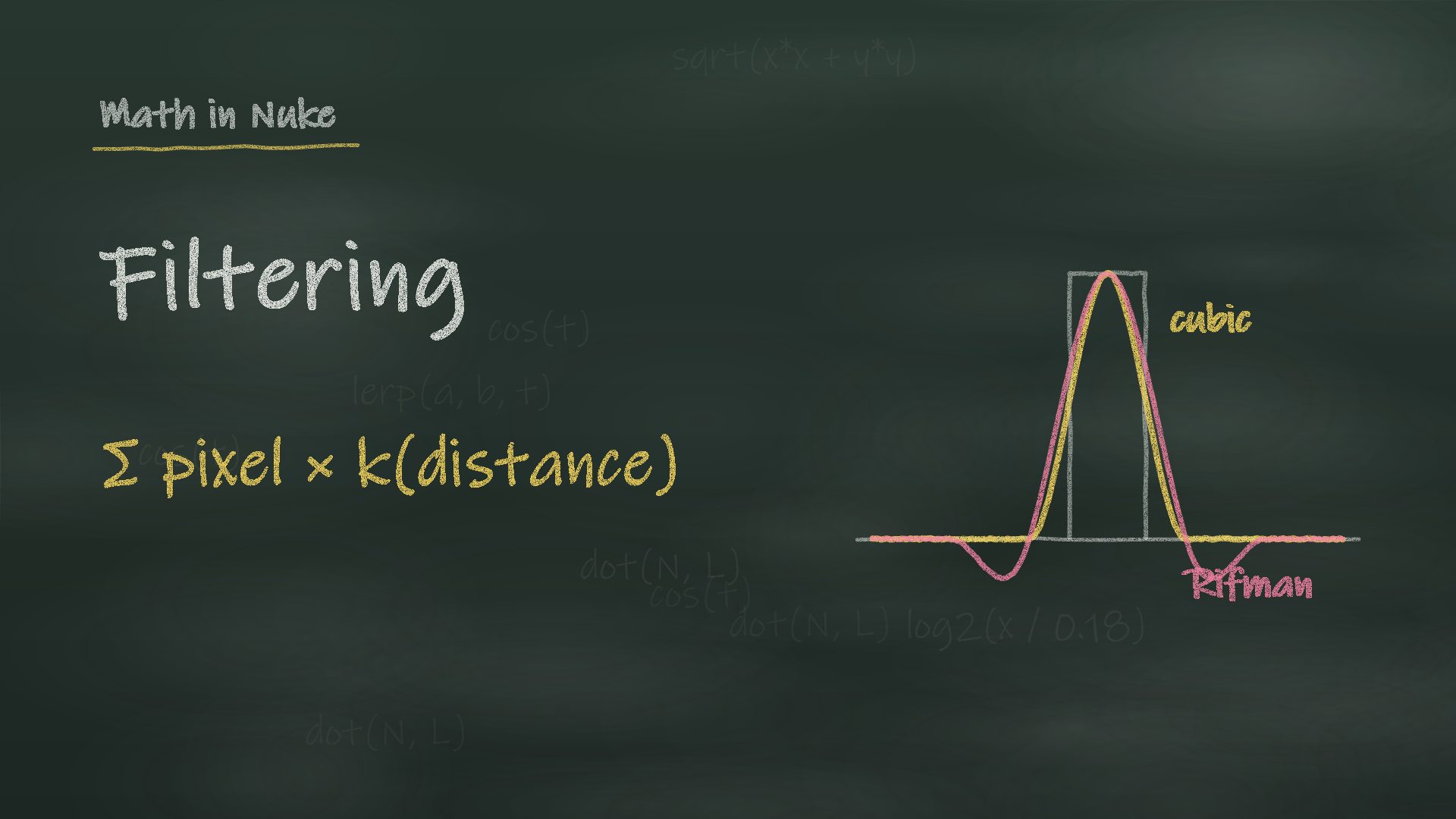 Filtering and ResamplingNuke's filters measured: the cubic family, Lanczos, ringing, aliasing, concatenation and dither, with a filter lab.
 Convolution MatrixKernels for blurring, sharpening, embossing and edge detection, explained step by step, with a gizmo of the most popular 3x3 filters.
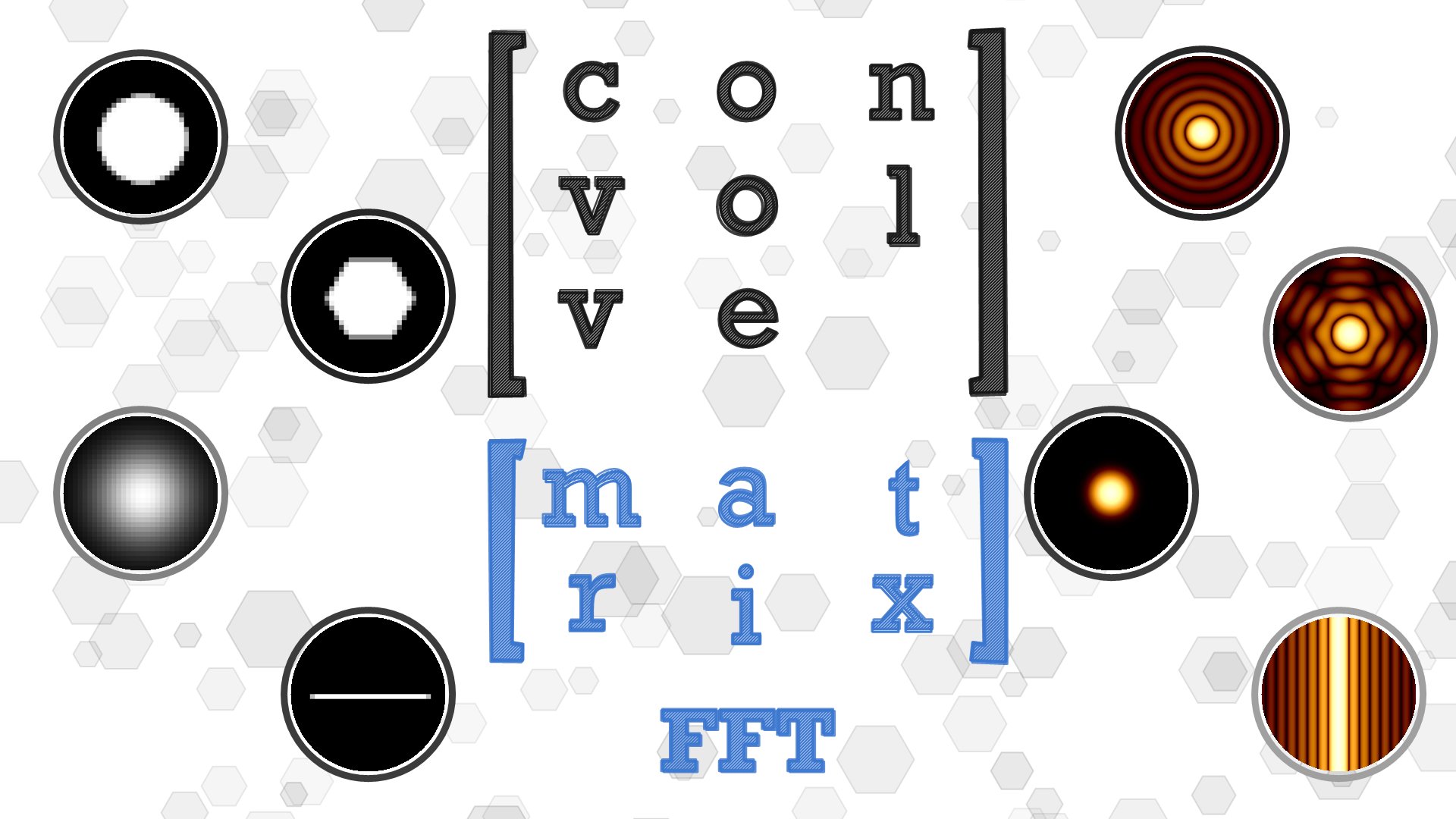 Convolve & DeconvolutionAn image as a kernel for real bokeh, the Fourier transform explained, and how to undo a blur with Wiener and Richardson-Lucy. With a live lab.
Geometry, vectors and expressions
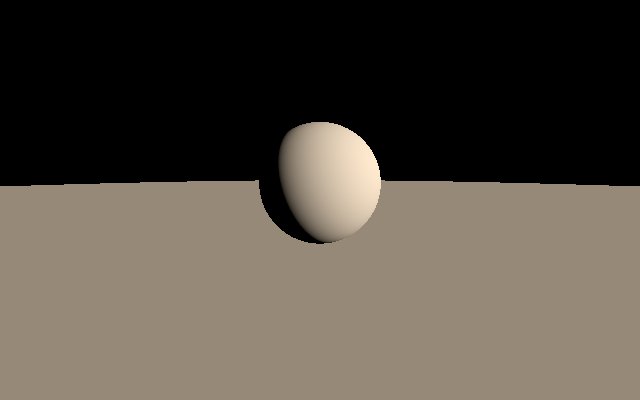
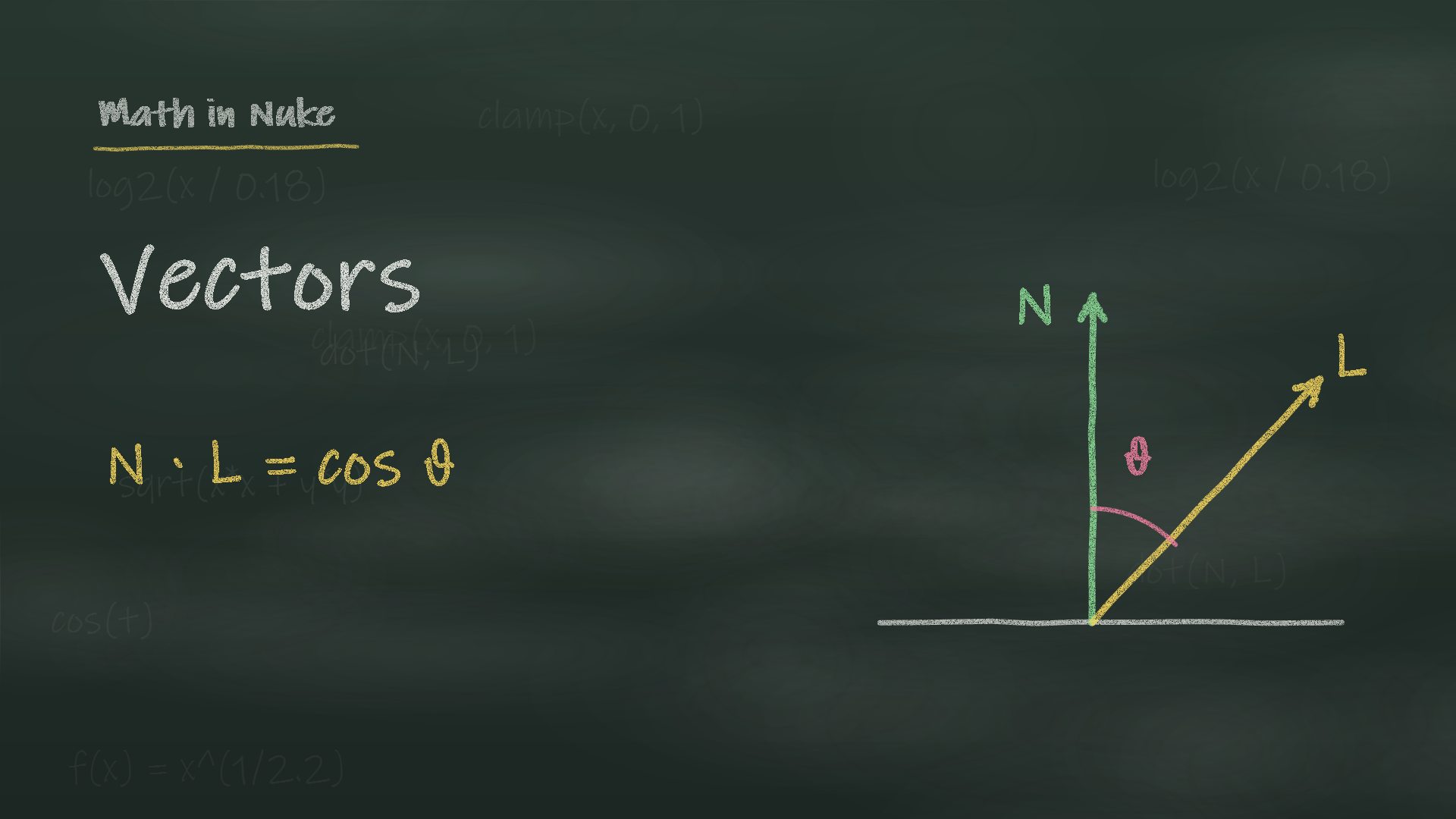 VectorsNormals, position and motion passes: dot product relight, cross product, P mattes, with a live lab.
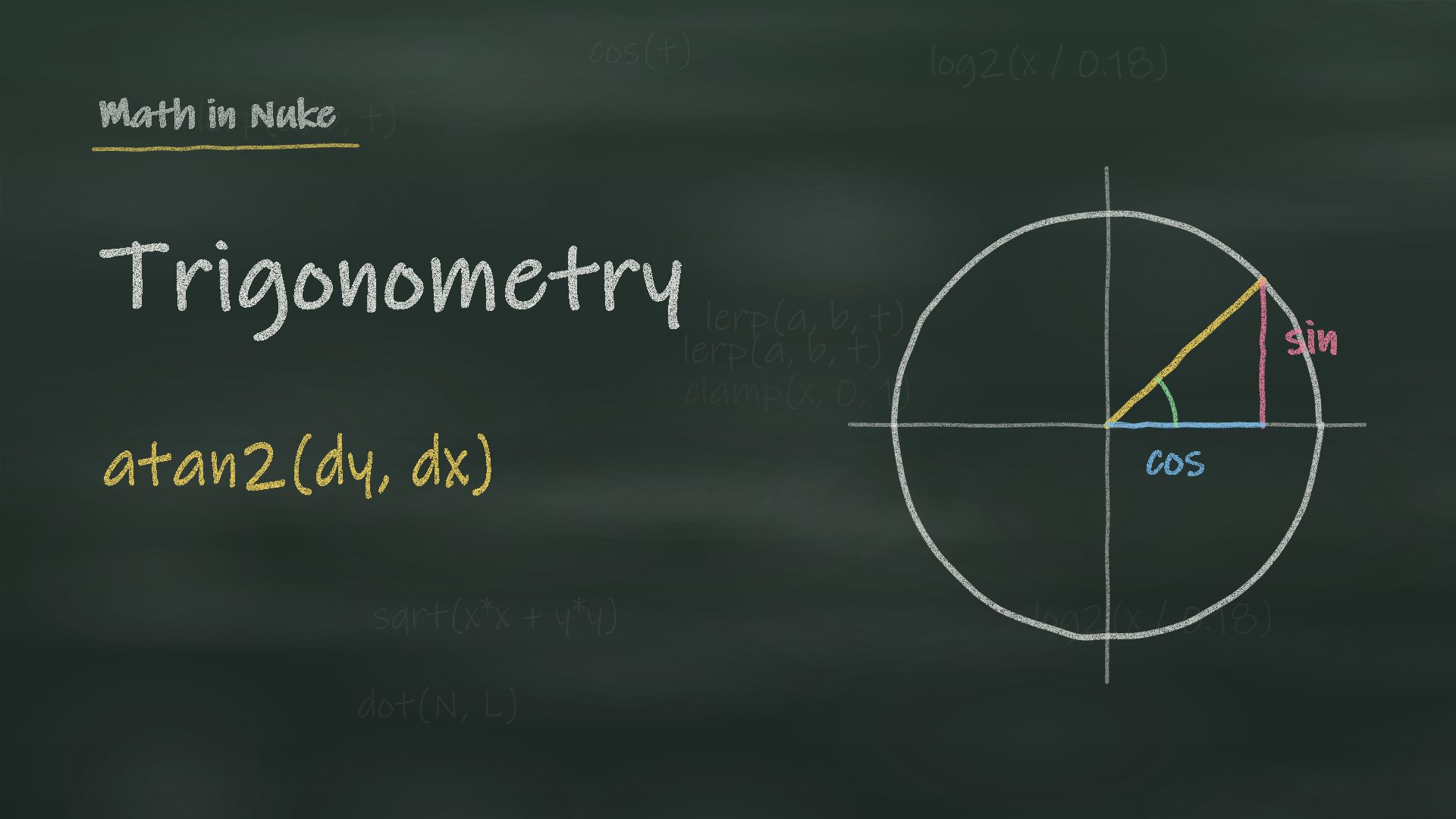
- Trigonometrysin, cos, hypot and atan2 for trackers and expressions: rotation and scale from two tracks, with a live lab.
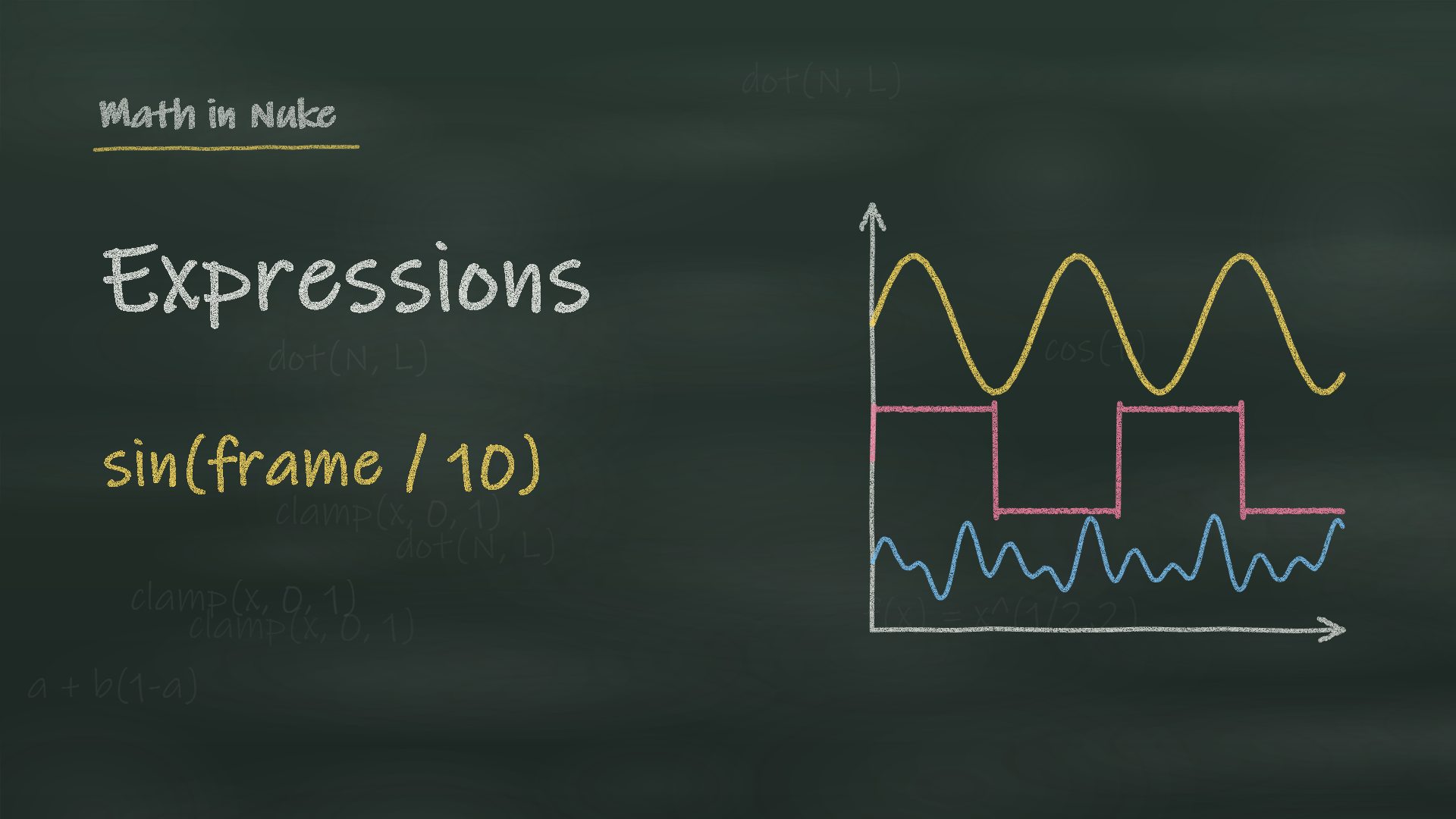 Expressions and Curveslerp, smoothstep, waves, random, noise and fBm, holds and loops, with a wave generator that writes the expression.
 Transform Matrix 2DTranslation, scaling, rotation and shear through a matrix, with two modified Nuke nodes to download.
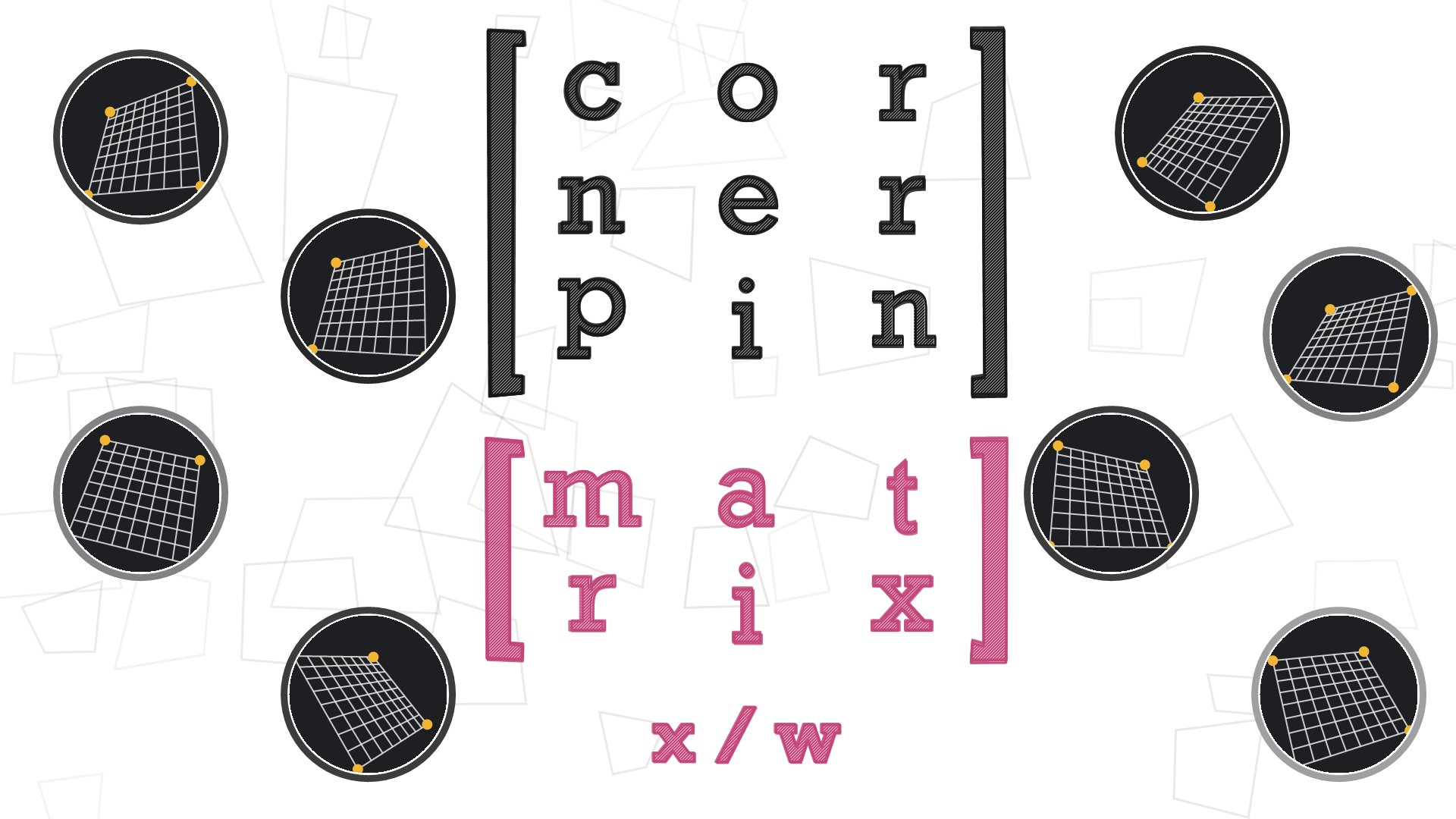 CornerPin and HomographyThe perspective 3x3 matrix behind every corner pin: drag four corners and get the matrix and the CornerPin2D node.
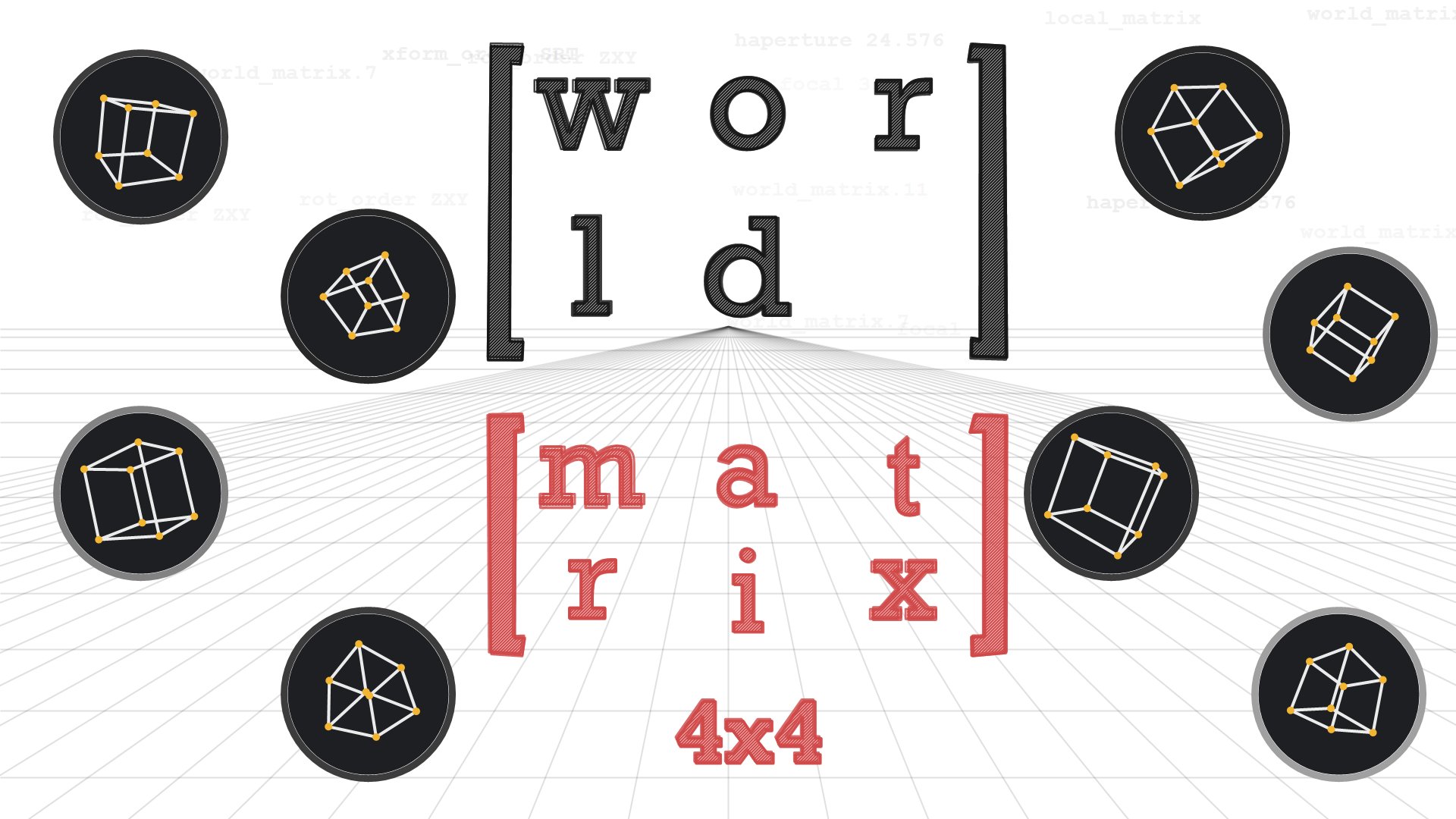 3D MatricesLocal and world matrix, transform and rotation order, world_matrix expressions and projecting 3D points to 2D, with a live lab.
 BlinkScript Matricesfloat3x3 and float4x4 in Blink: four ready kernels (ColorMatrix 4x4, P to camera, homography warp, convolution) and a matrix calculator.
17. Scripting: Python, TCL and BlinkScript
Not every compositor writes code, but the ones who do save hours every week, and studios notice. Start with TCL in knobs and labels, then Python for your own tools; BlinkScript when you need a custom image operation.
- TCL in knobs, labels and expressions: values from other nodes, conditions, strings.
- Python for automation: menus, callbacks, batch changes, your own panels in PySide.
- Gizmos and groups: package your setups so the team can use them.
- BlinkScript for custom image processing on the GPU; the NDK (C++) for real plugins.
 Python
 TCL
TCL PySide / QtBlinkScript
 C++ / NDK
TCL
Attila Gasparetz: Expressions & TCL tipsThe best practical guide to expressions and TCL in Nuke.
Python
BlinkScript and C++
Guillem Ramisa de Soto: Blink 101A gentle start with BlinkScript.
Toolsets to study and use
Nukefeed resourcesA curated list of community and Foundry developer resources.
18. Machine learning, AI and ComfyUI
Machine learning is already in production pipelines: CopyCat for roto and clean-up, depth and normals from a plate, relighting, upscaling, retiming. It doesn't replace the eye, but a compositor who knows these tools is faster, and studios now ask for it. Learn what each tool is good at, and where it breaks.
- CopyCat: train a network on a few frames of your own shot (a matte, a clean-up, a beauty fix) and let it do the rest; the Inference node runs it.
- The Cattery: free pre-trained models for Nuke (segmentation, depth, optical flow, upscaling, denoising, style transfer), ready to load in the Inference node.
- ComfyUI: node-based diffusion and video models; bridges send plates from Nuke to ComfyUI and bring back mattes, depth, normals and generated elements.
- What ML is good at today: roto and mattes, depth and normals, paint and inpainting, upscaling, retiming, denoising.
- The limits: flicker between frames, resolution and bit depth (8-bit vs EXR), colour space, and the licence of models and training data on a client show.
Machine learning inside Nuke
Aitor Echeveste: free CopyCat guideA free guide to CopyCat in Nuke, everything in one place.
CatPrep (MadlookzVFX)A Nuke tool to prepare CopyCat datasets faster, with a tutorial video.
Kevin Woo: CopyCat training templateA template to prepare, train and validate CopyCat setups.
ComfyUI and Nuke
comfy.orgThe official site: downloads, documentation, workflows.
ComfyUI in Nuke (TD Meetup)How to bring ComfyUI into a Nuke pipeline, from a TD meetup.
ActionVFX: ComfyUI for VFXAn introduction to ComfyUI for VFX artists, with Doug Hogan.
Models compositors use
ProPainterVideo inpainting: remove objects and fill the background.
LensRemoval LoRA (Jan Kanta)An open LoRA for LTX that removes lens flares, glare and lens dirt from video.
Tools
Topaz VideoUpscaling, frame interpolation and slow motion, also as a plugin for Nuke.
Learn and think about it
Comfy CompositingComfyUI workflows for compositing tasks.
Latent VisionComfyUI and diffusion models in depth.
Curious RefugeAI filmmaking: tools, tests and workflows.
Adrian Pueyo: VFX in the age of AIA compositor's thoughts on where AI fits in our craft.
19. Must-have Nuke tools
The free tools you'll find installed in almost every studio. Learn them, and read how they're built.
The toolkit
The most popular tools on Nukepedia
20. Shortcuts, habits and a clean script
The difference between a junior and a senior script is visible from the first look at the node graph. Good habits make you faster, and they make your shots easy to take over.
- Read from top to bottom: plate at the top, one main pipe, branches to the side; backdrops and labels for every block.
- Name your nodes, use dots for clean lines, Stamps or hidden inputs for long connections.
- Performance: keep the bounding box tight (Crop, the BBox knob on Merge), avoid stacked transforms that break concatenation, and switch off what you don't need with Disable or a Switch.
- Proxy and caching: work in proxy mode or at a lower viewer resolution while you block in; precomp heavy branches (a Write and Read back, or DiskCache), cache the viewer, and localise plates from the network.
- Learn the shortcuts: Tab, the hotbox, viewer keys (gain, gamma, channels), Alt+I for script info.
- Version up, never overwrite; keep your nodes and gizmos in a personal toolset.
Read more
ftrack: 8 ways to be faster in NukeWorkflow tips for everyday comp.
21. Tech check and QC
Before a shot goes to the supervisor, and before it goes to the client, it gets checked. Do your own tech check first: it's much cheaper to find a problem yourself than in a client review.
- Difference with the plate: a Merge (difference) between comp and plate shows anything you changed by mistake.
- Viewer checks: gain up and down, gamma up and down, saturation off, each channel, the alpha.
- Edges: no fringes or halos, the same softness and motion blur as the plate.
- Values: blacks and whites match the plate; no negative values, NaN or inf pixels.
- Grain on everything you added, matching per channel.
- Delivery: frame range with handles, format and resolution, overscan, lens distortion re-applied, output colour space, file naming and version.
- Versions: latest CG, FX and matchmove; retimes from editorial; previous notes all addressed.
- Watch it at full speed, and in context with the shots before and after.
Monitor and viewer: see the shot right
A tech check is only as good as the screen you look at. If your monitor is wrong, every grade you make is wrong.
- Calibrate the monitor with a probe (DisplayCAL is free) to the standard of the show: Rec.709 or sRGB at gamma 2.2/2.4, P3 for cinema; recheck it every few weeks.
- Room: dim, neutral light; no window behind or in front of the screen; neutral grey desktop.
- Viewer process: the right OCIO display and view for the show, the same the client sees. Never grade through the wrong LUT.
- Gamma up and down (or gain): blacks and highlights reveal edges, banding and lifted values that are invisible at normal exposure.
- Saturation off: the luminance alone shows if an element sits in the plate; colour can hide a wrong value.
- Per channel: R, G, B and alpha one at a time (R, G, B, A keys); grain, edges and spill show up channel by channel.
- Wipe and A/B against the plate, and a second monitor or a client-like screen for the final look.
DisplayCALFree, open-source monitor calibration and profiling, with a probe.
Light IllusionProfessional calibration (ColourSpace) and many articles on displays and colour.
Specs and best practices
Netflix: VFX best practicesPulls, colour references and VFX workflow from a big client.
22. The final grade (DI) before the cinema
When VFX are finished, the film goes to the DI: the colourist, with the cinematographer and the director, grades every shot for the cinema, then for HDR and SDR streaming. Your comp has to survive that grade: if an edge or a black level only works at the neutral grade, the colourist will find it.
- VFX deliver EXRs in the agreed colour space (often ACES), with no grade baked in.
- The look travels as CDL or LUT: check your comp under the show grade, and push it further to stress edges and blacks.
- Deliverables: a DCP for the cinema, HDR (Dolby Vision) and SDR masters for streaming.
- Learn a grading tool: DaVinci Resolve is free and the standard.
Read more
Frame.io: the DI demystifiedEFILM colourist Mitch Paulson explains the digital intermediate.
British Cinematographer: making the gradeHow DI grading works today, from the cinematographers' side.
Lowepost: the CDL explainedWhat a Color Decision List is and why VFX use it.
DaVinci Resolve trainingFree official courses and books for Resolve.
The Rookies: the art of colour gradingAnimal Logic on grading as one of the final stages.
23. Glossary
The words you'll hear in your first weeks in a studio, in one line each.
- Plate
- The footage shot on set that you comp on.
- Alpha
- The channel that says where an image is opaque.
- Premultiplied
- Colour already multiplied by alpha: unpremult before grading.
- AOV
- A render pass: diffuse, specular, depth, normals...
- Cryptomatte
- ID mattes from a CG render, picked by object or material.
- Deep
- Images with many samples per pixel, each with its depth.
- Bounding box
- The area of an image Nuke actually computes.
- Concatenation
- Nuke merging consecutive transforms into one filter.
- Roto
- Animated shapes that cut out an element.
- Prep / paint
- Cleaning a plate: rigs, markers, wires.
- Clean plate
- The plate without the element you need to remove.
- Despill
- Removing the screen colour that spills onto the subject.
- Degrain / regrain
- Removing grain to work, adding it back at the end.
- Matchmove
- Recovering the real camera of a shot.
- STMap
- An image that stores where each pixel comes from: distortion, warps.
- Overscan
- Extra pixels outside the frame, for distortion and moves.
- Handles
- Extra frames before and after the cut.
- LUT
- A lookup table that converts colours.
- IDT
- Input transform: from the camera's colour space into the working space (ACES).
- ODT
- Output transform: from the working space to a display, for example Rec.709, sRGB or P3.
- Viewer LUT
- The display transform in the Nuke viewer: what you see, not what you render.
- CDL
- Slope, offset, power and saturation: the colour look of a shot.
- OCIO
- OpenColorIO, the colour management of Nuke and most VFX tools.
- ACES
- The Academy colour system used on most films and series.
- Scene-linear
- Values proportional to real light.
- Dailies
- The daily review of work in progress.
- Tech check
- The technical QC of a shot before it's sent.
24. Learning paths: where to start
Not everything at once. This is the order I'd suggest, depending on where you are.
- Beginner: the first 3 months
Images and premultiplication, colour basics, light and photography, 2D tracking, roto and keying. Comp simple shots on free plates.
Images · Colour · Light · Keying · Free plates - Junior: the first job
CG integration, lens artefacts, grain, a clean script, tech check, how a studio works, a reel that gets you hired.
CG · Lenses · Grain · Habits · QC · Getting hired - Mid: towards senior
Deep, 2.5D and USD, the maths behind the nodes, colour management, scripting your own tools, ML, and the final grade.
3D & USD · Maths · Scripting · ML · DI
25. Books: my compositor's bookshelf
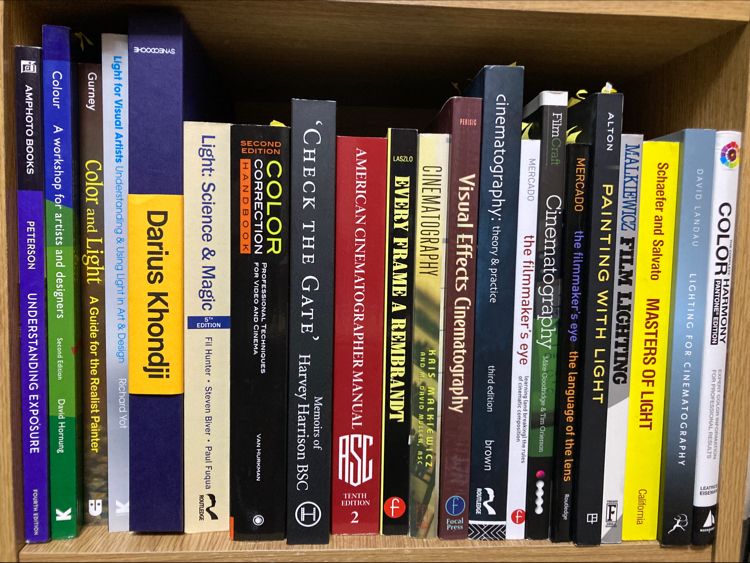
A lot of what I know about compositing I learned from books about photography, light and cinematography, not only from books about Nuke. This is the shelf next to my desk; below, the books I'd recommend, grouped by topic (the links search them on Amazon).
Compositing
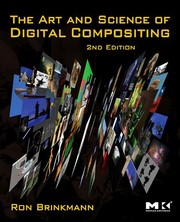 The Art and Science of Digital CompositingRon BrinkmannThe compositing bible: the theory behind everything we do.
 Digital Compositing for Film and VideoSteve WrightProduction techniques explained by a working compositor.
 Compositing Visual EffectsSteve WrightThe friendliest introduction to the job.
 Nuke 101Ron GanbarHands-on Nuke from the first node, with footage.
 Digital Compositing with NukeLee LanierNuke techniques, from keying to 3D.
- Advanced Visual Effects CompositingLee LanierCG integration, passes and deep.
 [digital] Visual Effects and CompositingJon GressA wide overview of VFX techniques.
 Matchmoving: The Invisible Art of Camera TrackingTim DobbertCamera tracking explained, from lenses to solves.
 RotoscopingBenjamin BrattTechniques and tools for professional roto.
 Digital Lighting and RenderingJeremy BirnHow CG is lit and rendered: essential to integrate it.
Colour and image science
 The Colour Management Handbook for VFX ArtistsVictor PerezColour management for compositors, without bluffing.
 Color Science and Digital ImagingSteve WrightFrom light to pixels: the science behind colour.
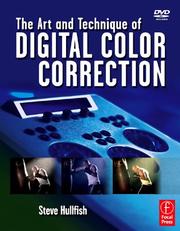 The Art and Technique of Digital Color CorrectionSteve HullfishHow colourists think, shot by shot.
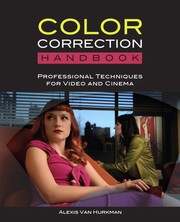 Color Correction HandbookAlexis Van HurkmanProfessional grading techniques for film and video.
 High Dynamic Range ImagingReinhard, Ward, Pattanaik, DebevecHDR capture, tone mapping, image-based lighting.
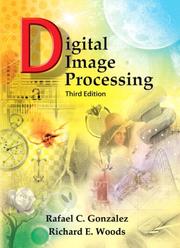 Digital Image ProcessingGonzalez & WoodsThe maths of filters, transforms and edges.
 Digital Video and HDCharles PoyntonGamma, transfer functions and video standards, by the expert.
Light, colour and painting
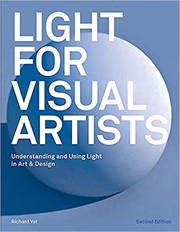 Light for Visual ArtistsRichard YotHow light really behaves, explained with images.
 Color and LightJames GurneyA painter's eye on light: essential for matching.
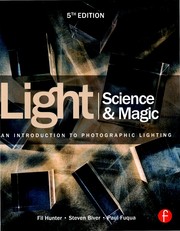 Light: Science & MagicHunter, Biver, FuquaPhotographic lighting: reflections, surfaces, glass.
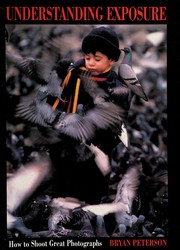 Understanding ExposureBryan PetersonAperture, shutter and ISO, the photographer's way.
 Colour: A Workshop for Artists and DesignersDavid HornungColour relationships, with exercises.
 Color HarmonyLeatrice EisemanPalettes and colour combinations.
Cinematography, camera and lenses
 Cinematography: Theory and PracticeBlain BrownThe complete reference on how films are shot.
 American Cinematographer ManualASCCameras, lenses, formats: the data on set.
 The Filmmaker's Eye: The Language of the LensGustavo MercadoWhat each focal length does to a story.
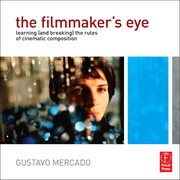 The Filmmaker's EyeGustavo MercadoComposition and shot types, film by film.
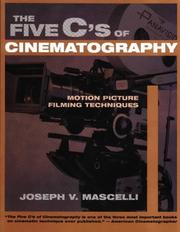 The Five C's of CinematographyJoseph V. MascelliCamera angles, continuity, cutting, close-ups, composition.
 Visual Effects CinematographyZoran PerisicHow VFX are shot on set.
 Painting with LightJohn AltonA classic on lighting by a master of film noir.
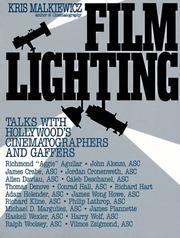 Film LightingKris MalkiewiczTalks with cinematographers and gaffers.
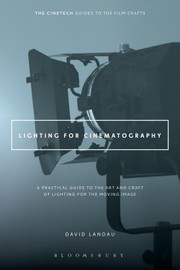 Lighting for CinematographyDavid LandauA practical guide to lighting a scene.
 Masters of LightSchaefer & SalvatoConversations with great cinematographers.
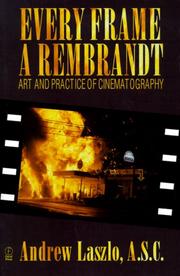 Every Frame a RembrandtAndrew LaszloThe art and practice of cinematography.
 FilmCraft: CinematographyGoodridge & GriersonGreat cinematographers on their work.
 CinematographyMalkiewicz & MullenFilm and digital cinematography, from camera to lighting.
 The Visual StoryBruce BlockSpace, line, tone and colour: how images tell a story.
- Check the GateHarvey Harrison BSCMemoirs of a cinematographer, from the set.
Photographers and great cinematographers
 BywaysRoger A. DeakinsDeakins' own black and white photographs: light and composition, pure.
 Reflections: On CinematographyRoger & James DeakinsDeakins on his films and the way he lights them.
 Writing with LightVittorio StoraroThe philosophy of light and colour of a master.
 The CameraAnsel AdamsHow a camera and a lens really work.
 The NegativeAnsel AdamsExposure and the Zone System: the root of linear thinking.
 The Mind's EyeHenri Cartier-BressonWritings on photography and the decisive moment.
 The Photographer's EyeMichael FreemanComposition and design for better images.
 Cathedral of the PinesGregory CrewdsonCinematic photographs lit like film sets.
The industry
 The VES Handbook of Visual EffectsOkun & ZwermanEvery VFX discipline, by the Visual Effects Society.
 Masters of FXIan FailesHow iconic effects were made.
- The Core Skills of VFXWalker Saint JohnWorkflows and soft skills for a first job.
 Making Movie MagicJohn RichardsonSpecial effects in camera: what we combine with.
More suggestions in the VFX compositing students' reading list by Escape Studios.
26. Who to follow on YouTube
The channels I'm subscribed to and recommend to my students.
Learn Nuke and compositing
Foundry LearnOfficial Nuke tutorials and feature guides.
FoundryTalks, artist sessions and what's new in Nuke.
Compositing AcademyCompositing lessons, ACES and CG integration.
Ben McEwanLearn Compositing: Nuke fundamentals and tools.
Hugo's DeskNuke tutorials and compositing techniques.
VFX VIBECompositing fundamentals every compositor should know.
Victor PerezNuke and colour management, from the author of the handbook.
Alex VillabonCompositing and Nuke workflows.
Magno BorgoNuke tools and how to use them.
PixelfudgerThe Pixelfudger gizmos for Nuke and how they work.
Alexey KuchinskyNuke tools and experiments.
VFX TutorsTutorials and free footage to practise.
VFX NomadsThe podcast of Josh Parks, Tony Lyons and Adrian Pueyo on compositing and the industry.
Gal Ravid-TalLighting, lookdev and compositing, Unreal and Nuke.
Escape StudiosTalks with studio artists and a cinematography series.
Compositing MentorTony Lyons' channel: keying, CG and Nuke tools.
Aitor EchevesteCompositing techniques, free CG shots and his Nuke tools.
CompCastAli Ehtemami's videos on compositing workflows.
Daniel KaczkowskiColour spaces and compositing, explained simply.
Madlookz VFXPaint, prep and Nuke workflows.
Studios, breakdowns and the eye
TrixterBreakdowns and tutorials from the studio where I worked on Captain Marvel.
Wētā FXBreakdowns and making-ofs from Weta FX shows.
Platige ImageCGI and animation: their work and how it's made.
Movie VFXStudio breakdowns collected in one place.
Corridor CrewVFX artists react to films: to train the eye.
After Effects and general VFX
Video CopilotAndrew Kramer's classic VFX and motion design tutorials.
CinecomQuick practical effects and editing tricks.
Surfaced StudioCompositing tutorials and specific VFX shots, mostly in After Effects.
AI and ComfyUI
27. Free material to practise on
You learn compositing by compositing. These are the places I send my students for plates, renders and tools, all free (always check each licence).
Plates, renders and test images
Netflix Open ContentProfessional test material, including EXR and HDR footage.
Peter TimberlakePractice clips free for individuals to use on reels.
Blender Studio open moviesTears of Steel and the other open movies, with their original plates.
Backplate ProStock plates with a matching HDRI.
OpenfootageHDRIs, explosions, slow motion and textures.
Mazharul Islam Shuvo: free CG renderAn environment render, 75 HD frames with AOVs, cryptomatte and camera.
Mazharul Islam Shuvo: free 2K renderA 2K environment render with AOVs and light groups.
Lighting, tools and models
Poly HavenFree HDRIs, textures and models.
28. News, communities and forums
Read how the shots you admire were made, and ask questions where compositors answer.
Art of VFXInterviews with VFX supervisors, show by show.
VFX VoiceThe magazine of the Visual Effects Society.
Blogs by compositors
Erwan LeroyNuke development, Python and tools.
Ben McEwanArticles on compositing, colour and tools.
Conrad OlsonNuke tips and techniques.
Géraud MottaisCompositing articles and tools.
Hiram GiffordNuke compositing tips and tricks.
29. Courses, schools and podcasts
When you want a structured path with feedback, these are the courses and schools compositors talk about (most are paid; Foundry Learn is free).
Hugo's DeskA Nuke compositing online course.
fxphdProfessional VFX courses taught by industry artists.
RebelwayOnline VFX courses, including advanced compositing in Nuke.
CG SpectrumOnline VFX school with mentored compositing courses.
The Gnomon WorkshopVideo workshops by industry professionals.
Side AcademyThe Italian academy where I mentor the compositing of the students' short films.
VFX Nomads podcastJosh Parks, Tony Lyons and Adrian Pueyo talk compositing, careers and the VFX industry.
30. Working in a studio
Knowing Nuke is half the job; the other half is working inside a pipeline with dozens of other artists. What changes from school to studio:
- Naming and versioning: shot names, script versions, render paths. Never overwrite, always version up.
- Dailies and notes: show your work every day, read the notes carefully, ask when a note isn't clear.
- Production tracking: tasks, bids and statuses in ShotGrid (Flow) or ftrack.
- Review tools, render farms and keeping scripts clean so that someone else can take over your shot.
Tools you'll meet in a studio
Flow Production TrackingAutodesk's production tracking, formerly ShotGrid.
DeadlineThe render farm manager used by many studios.
31. Getting hired
When you're ready, this is where compositing jobs are, and how to present yourself. Start from my guide on the portfolio.
Your portfolio
Jobs, studios and salaries
VFXjobsA job board for visual effects.
ConnectVFX: comp jobsCompositing jobs collected from the studios.
Job postings spreadsheetA shared spreadsheet of open positions, updated by the community.
MotaConnects productions with vetted VFX studios and crew: create your profile and get found.
Animation, VFX and games job boardsA dashboard of job postings, shared by Paul Allen.
AVU studio listUK studios, with notes on overtime and working conditions.
The RookiesPublish your student work and enter the Rookie Awards.
32. Learn with me: 1:1 lessons
Every section of this page can become a lesson. These are the topics students and studios ask me most often, in English or Italian:
- Nuke from zero to the first comp.
- Keying, roto and paint at production level.
- CG integration: AOVs, light groups, deep.
- Colour management: OCIO and ACES in practice.
- Camera and lens realism: defocus, grain, lens artefacts.
- Python and TCL for your own tools.
- Reel and portfolio review, shot by shot.
Next: How to build a VFX portfolio · Nuke tutorials · Mentorship