An STMap is an image that doesn't contain colours but positions: every pixel says "take your colour from this point of the source". With one STMap node you can undistort and redistort a plate, put a texture on a CG render, mirror, bend or move an image, and chain a Transform, a CornerPin and a lens distortion into a single image that applies them all at once. This page explains what the red and green of an STMap mean, how it differs from a UV map, how to make one, how to concatenate many transformations into one map, and the mistake that ruins it: saving it with the wrong bit depth. Every number here I measured in Nuke 17.
Index
- 01. What is an STMap
- 02. What red and green mean
- 03. STMap or UV map?
- 04. Lab: see the STMap at work
- 05. The STMap node
- 06. Make an STMap: identity, half a pixel, mirror
- 07. Where you use STMaps
- 08. Transform, CornerPin and distortion in one map
- 09. Precision: always 32-bit float
- 10. STMap or IDistort?
- 11. Nodes to paste
- 12. Quick answers
- 13. Useful links
01. What is an STMap
A normal image stores a colour in every pixel. An STMap stores an address: two numbers that say where to go and fetch the colour in another image, the source. The first number is in the red channel, the second in the green channel; blue is not used.
The STMap node reads the map pixel by pixel: for every pixel of the result it looks at the red and green values, goes to that position in the source and copies the colour it finds there. If every pixel points to itself, nothing changes. If the values are shuffled, the image is warped: moved, rotated, mirrored, bent, distorted.
02. What red and green mean
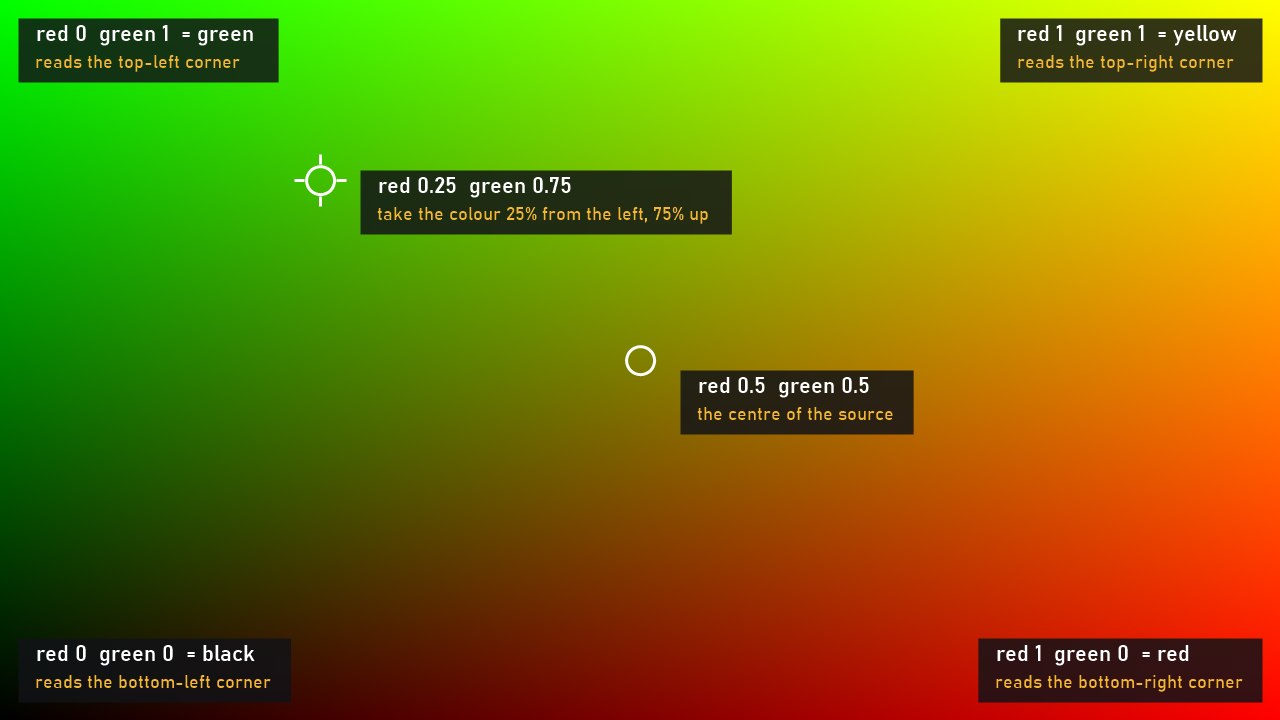
- Red is the horizontal position in the source, from 0 at the left edge to 1 at the right edge. Red 0.5 means "half way across".
- Green is the vertical position, from 0 at the bottom to 1 at the top (in Nuke the origin is in the bottom-left corner). Green 0.75 means "three quarters up".
- The position is a fraction, not pixels, so the same map works for any resolution: red 0.25 and green 0.75 in a 2048×1152 source is the pixel x 512, y 864; in a 4096×2304 source it's x 1024, y 1728.
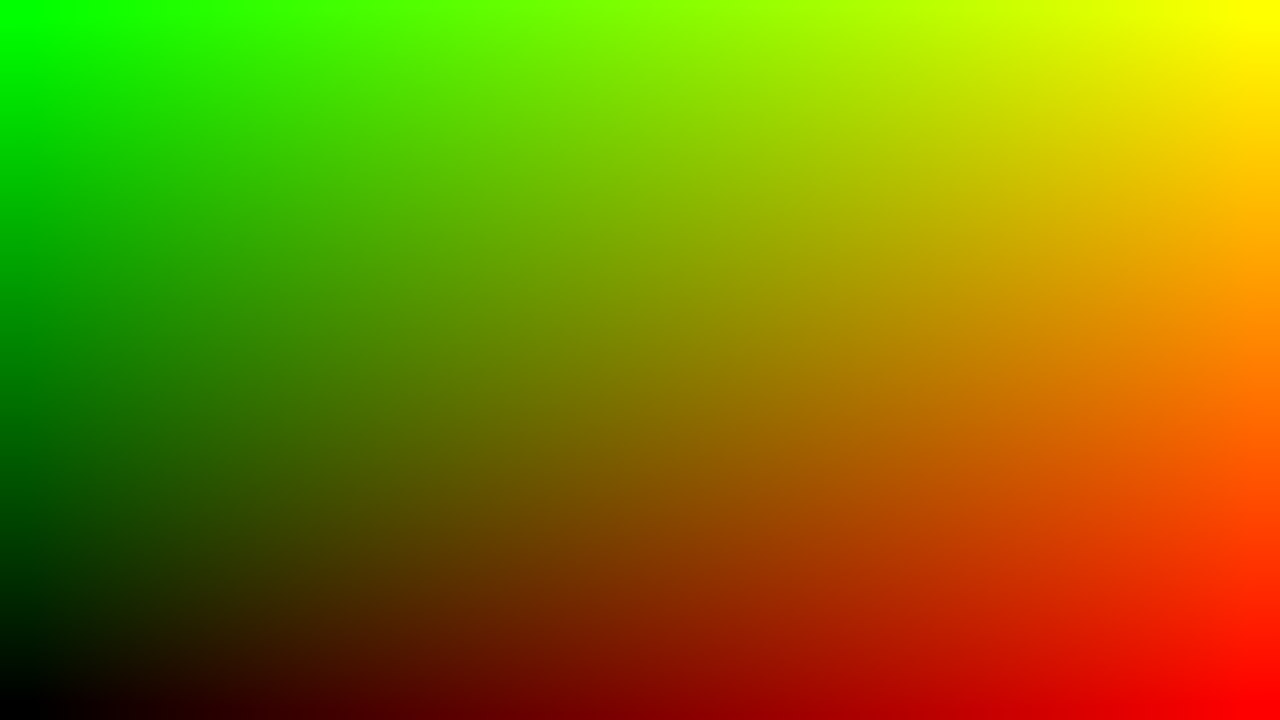
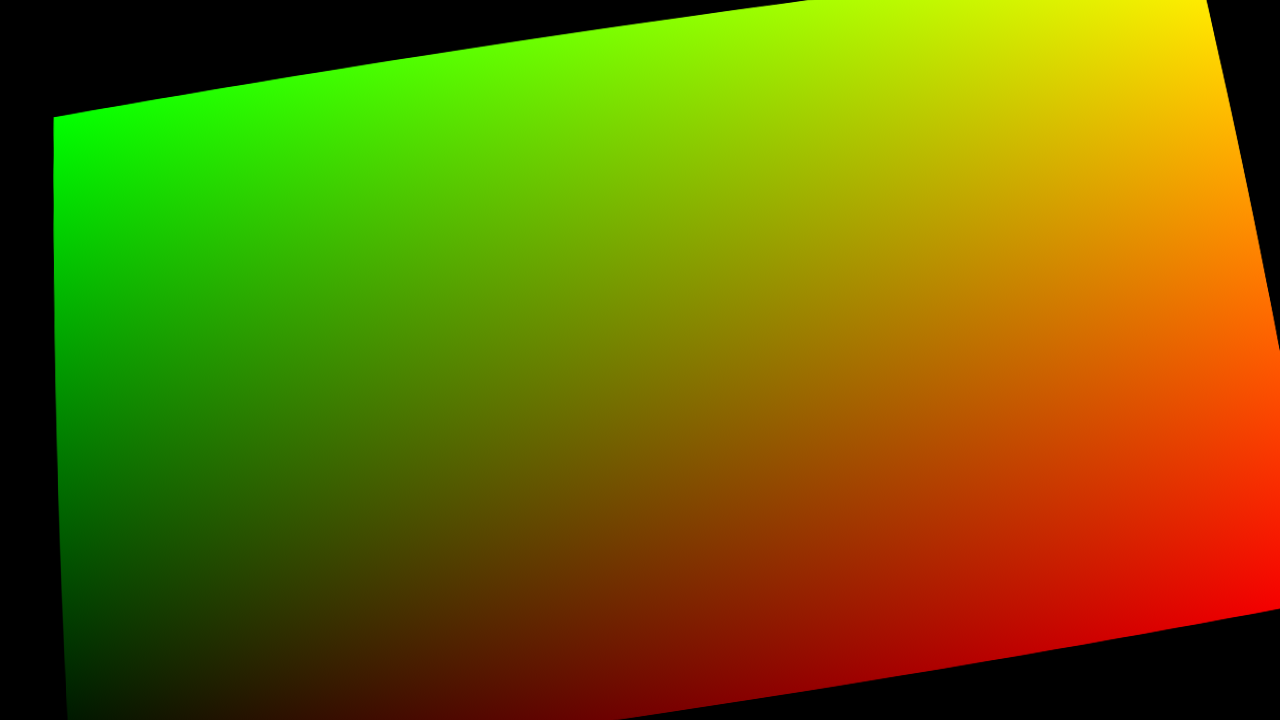
- The colours you see are just these two numbers. Little red and little green is dark; red alone is red; green alone is green; red and green together make yellow. That's why the identity map below goes from black (bottom-left) to red (bottom-right), green (top-left) and yellow (top-right).
- Reading a warped map: where a pixel is more red than it would be in the identity, it fetches its colour further to the right; where it's more green, higher up. A rotated or distorted map is simply this gradient rotated or distorted, exactly like the image will be.
- Black areas (red 0, green 0) point to the bottom-left corner of the source: if a map has empty black parts, the corner pixel gets repeated there (section 08 shows how to clean it).
03. STMap or UV map?
They are the same idea with different names, used in different places:
- STMap is the name used in Nuke: it's the name of the node and of the images it reads. The letters s and t come from RenderMan, where the coordinates of a texture are called s and t. Outside Nuke you'll hear UV map, UV pass, distortion map or warp map for the same kind of image.
- A UV map in 3D is not an image: it's how the surface of a model is unfolded flat, so that every point of the mesh has two coordinates, u and v, on its texture.
- A UV pass (or UV AOV) is a render of those coordinates seen from the camera: every pixel stores the u and v of the surface it sees. Used as an STMap, it puts any texture on the object in comp, without rendering again (my page UVRender shows how).
When a UV pass comes from 3D, check three things before using it as an STMap:
- The direction of v. Some programs put v = 0 at the top instead of the bottom: if the texture comes out upside down, use 1-g in an Expression node.
- The range. Tiled textures and UDIMs go beyond 0–1 (u from 0 to 10 for the tiles 1001 to 1010): bring the tile you need back to 0–1, for example with fmod.
- The background. Where there's no object the pass is 0: use the alpha of the render to cut the result.
04. Lab: see the STMap at work
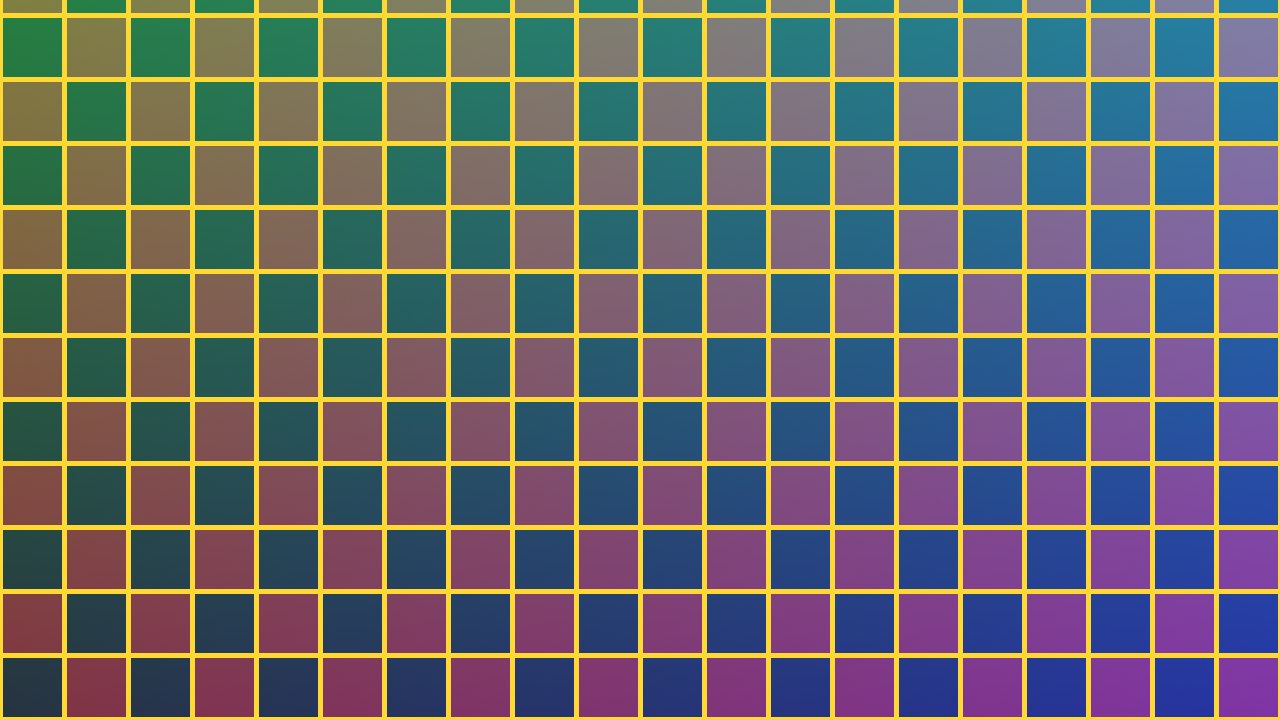
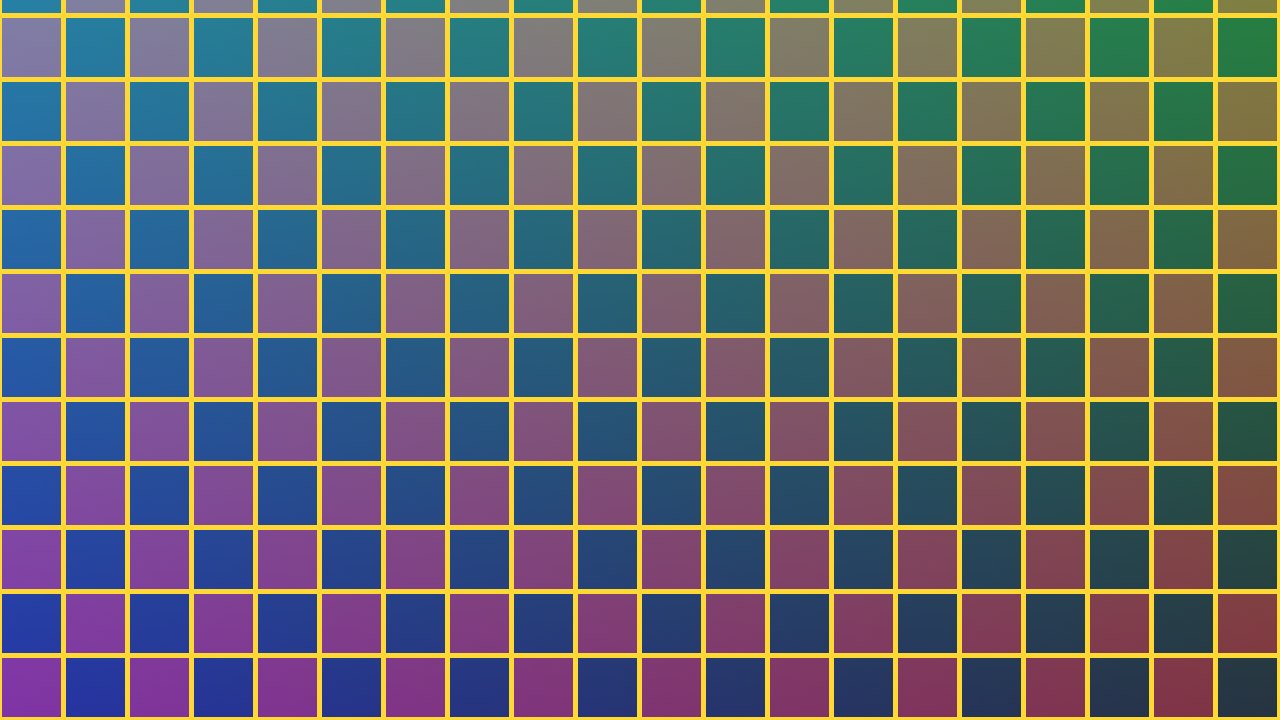
Move the mouse (or your finger) over the map or over the result. The lab reads red and green under the cursor, shows in yellow where that pixel takes its colour in the source, and builds the result exactly like the STMap node does. Try the four maps.
Move over the map or the result.
The lab uses 8-bit images and the nearest pixel, to stay fast: in production the map must be 32-bit float (section 09).
05. The STMap node
- Two inputs: src is the image you want to warp, stmap is the map.
- UV channels: which channels of the map contain the two coordinates. Usually rgb (red and green), or a uv layer coming from a CG render.
- The output has the format of the map, not of the source: a 2K map gives a 2K image, whatever the size of the source. I checked it with a 2048×1152 source and a 1000×500 map: the result is 1000×500.
- Filter: how the colour is read between two pixels, like the filter of a Transform. The default is cubic; a sharper filter keeps more detail, a softer one avoids ringing.
- Values outside 0 to 1 point outside the source: the edge pixels are repeated there.
06. Make an STMap: identity, half a pixel, mirror
The simplest STMap is the identity: each pixel points to itself. You make it with an Expression node:
- red = (x+0.5)/width
- green = (y+0.5)/height
Why +0.5? In Nuke the centre of the first pixel is at 0.5, not at 0. With (x+0.5)/width each pixel points exactly to its own centre: I measured the result against the source and the difference is 0. With x/width, which you find in many old tutorials, every pixel points half a pixel too far to the left and down: the image moves and softens, and on a gradient I measured errors up to 0.89 pixels.
From the identity you build warps by changing the expressions. A mirror is 1-(x+0.5)/width in red: red is 1 on the left and 0 on the right, so the pixel on the left fetches its colour from the right edge.
07. Where you use STMaps
- Lens distortion. The most common use. The matchmove department solves the lens and delivers two STMaps per plate: one to undistort (make the plate straight, to match the CG camera) and one to redistort (put the distortion back on the CG and on the comp). In Nuke the LensDistortion node has an output knob with three choices: Undistort, Redistort and STMap.
- Textures on CG, with a UV pass (section 03).
- A chain of transformations baked once and applied to every element (next section).
- Mirrors, flips, polar coordinates, kaleidoscopes: any remapping you can write as an expression.
To undistort and redistort with the same pair of maps, you need the inverse of an STMap: I explain two ways to compute it in Lens Distortion: STMap Invert.
08. Transform, CornerPin and distortion in one map
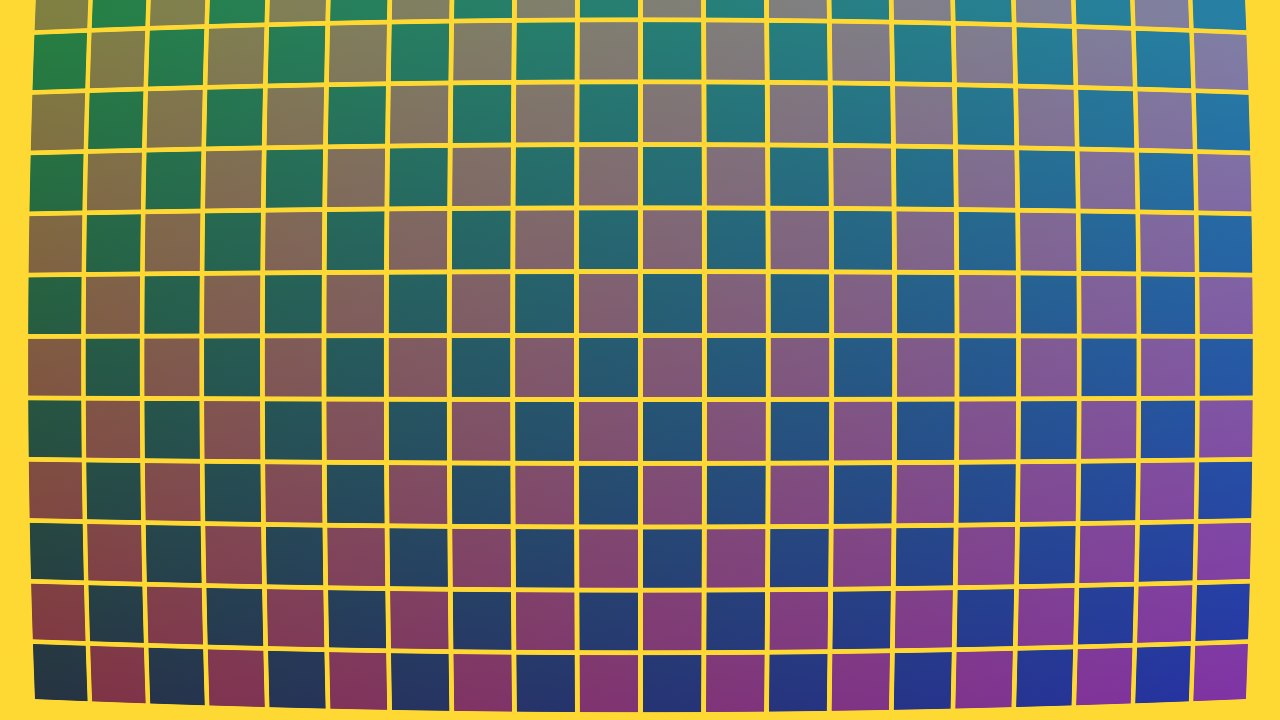
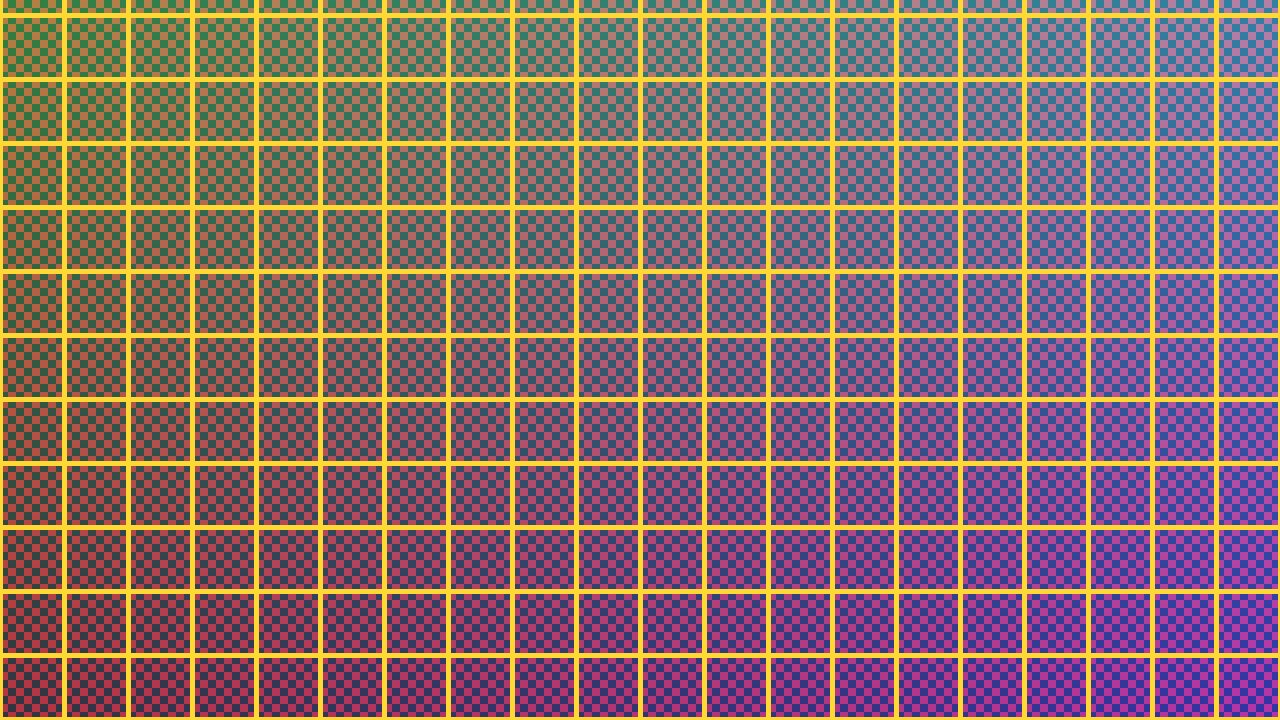
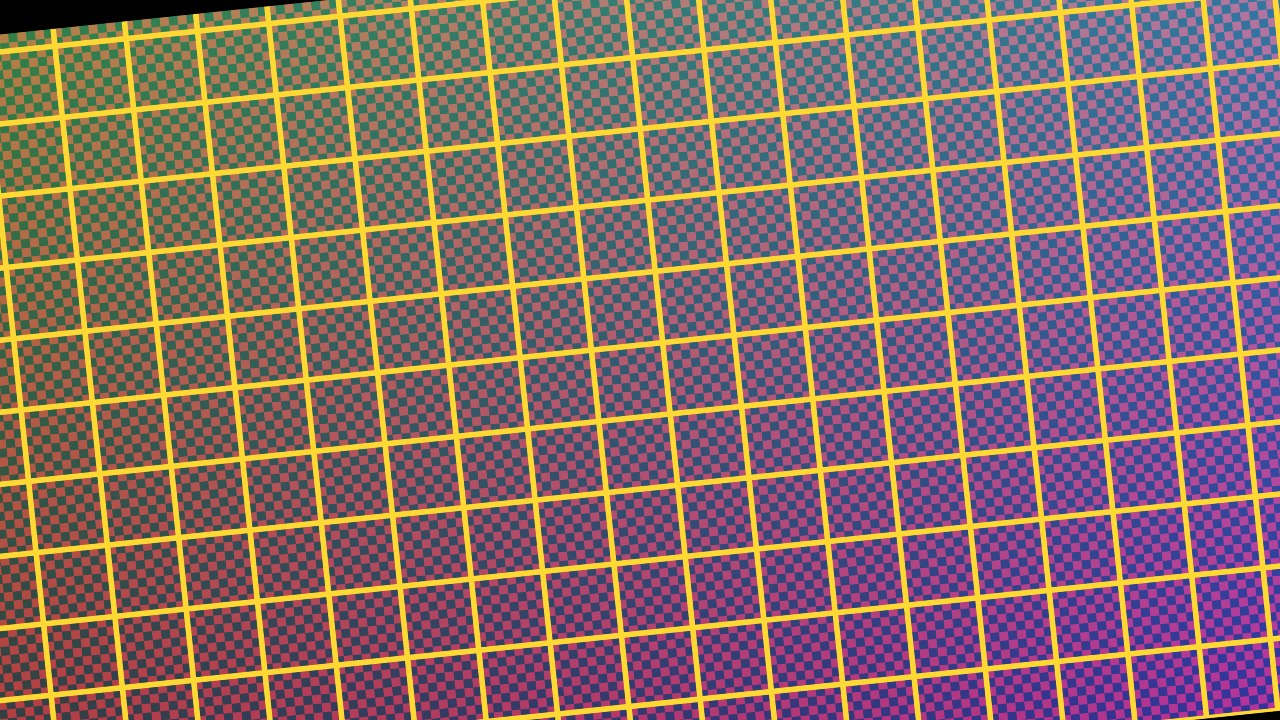
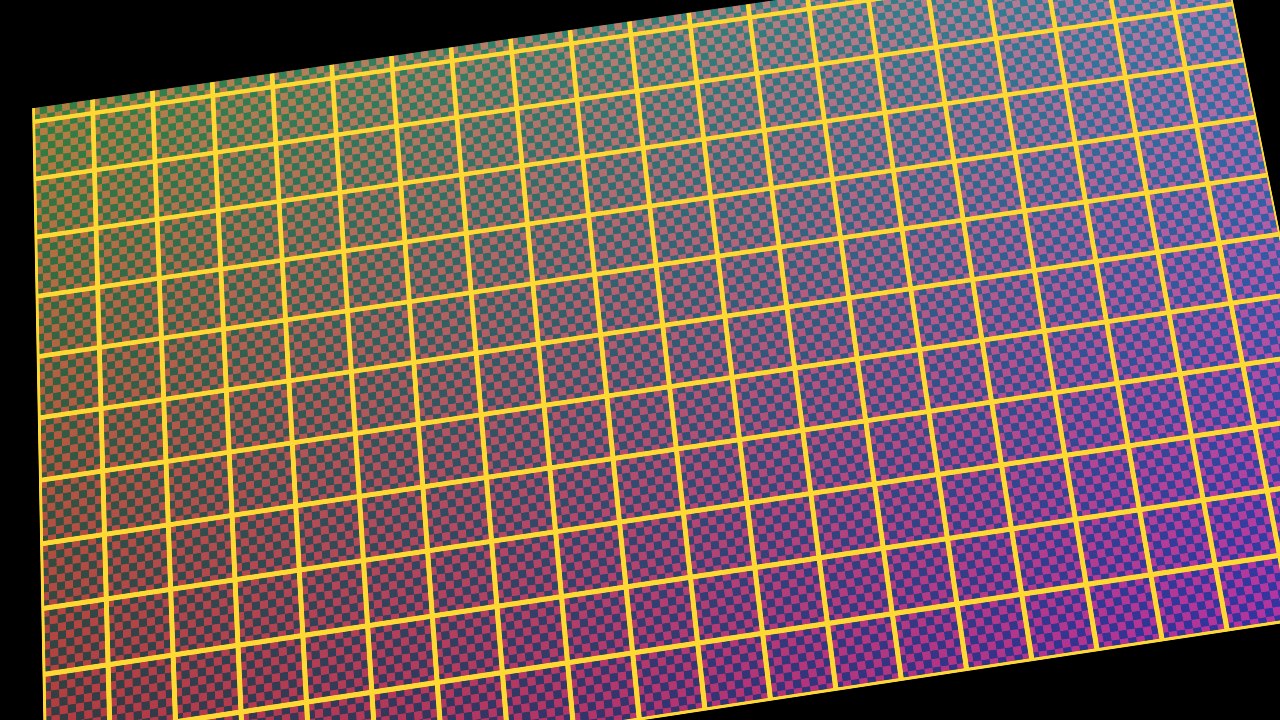
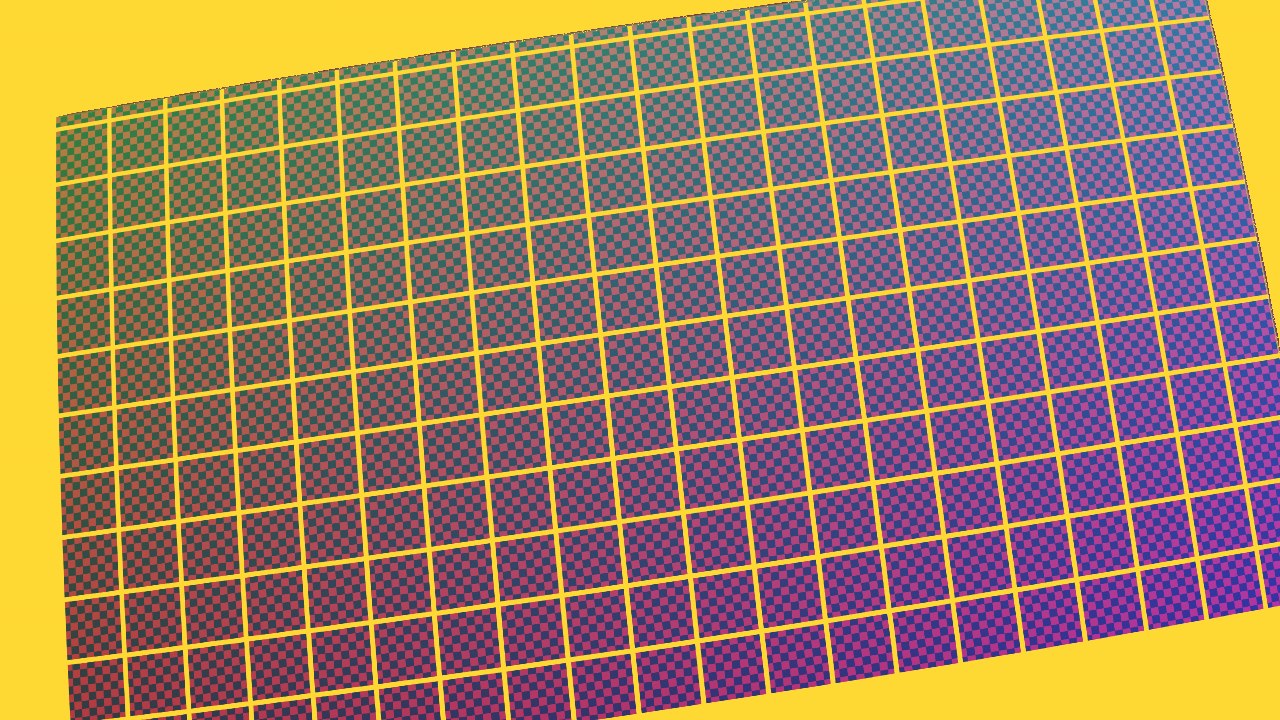
This is where STMaps save the most time and the most quality. Put an identity STMap into a chain of nodes instead of the plate: a Transform, then a CornerPin2D, then a lens distortion, a GridWarp or a SplineWarp. What comes out is one image that contains the whole chain. Render it as a 32-bit EXR, and from then on one STMap node applies all those transformations to any image: the plate, the roto, the CG, the paint, every element of the shot.
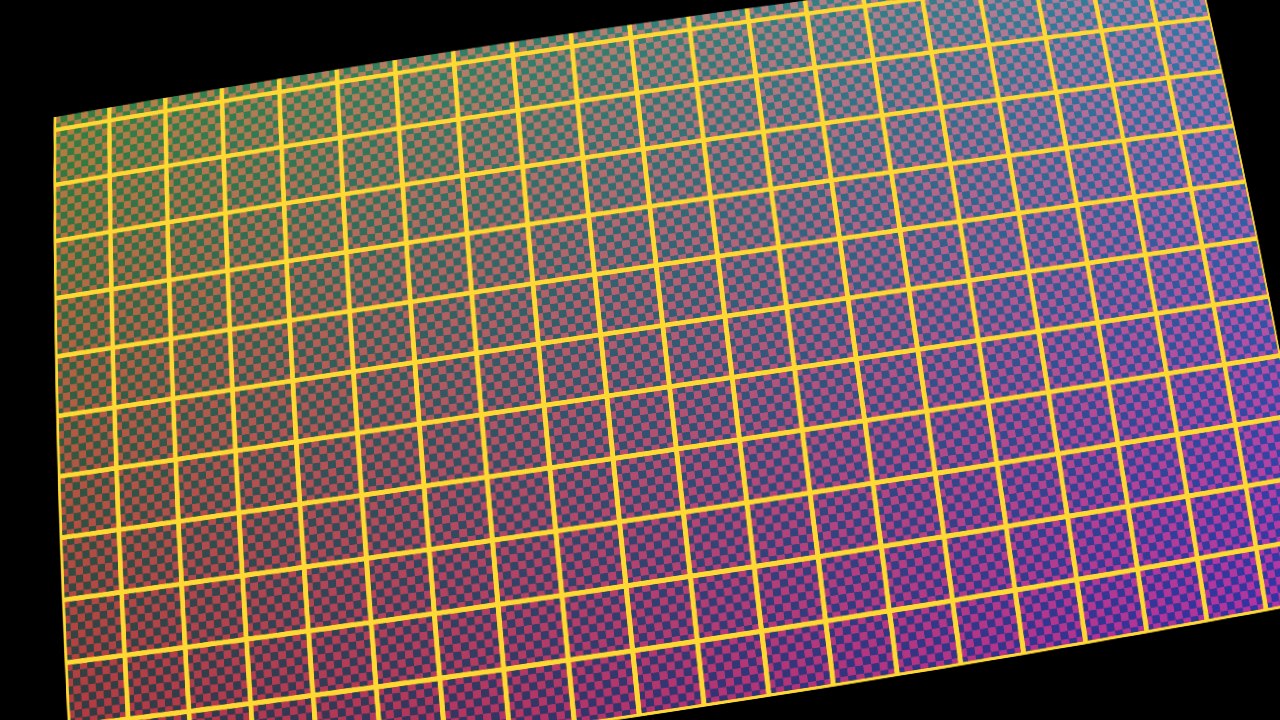
Why it's sharper
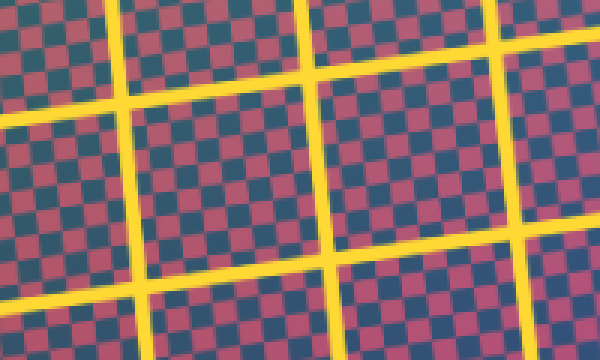
Every time Nuke moves pixels it has to filter them, and every filter softens a little. Nuke already concatenates Transform and CornerPin2D nodes in a row into one filter, but anything else in between (a Grade, a Merge, a LensDistortion, a GridWarp) breaks the chain, and every break is one more filter. With a baked STMap the image is filtered once, whatever the length of the chain. I measured the sharpness (the average difference between neighbouring pixels) of the same detail:
| how the chain is applied | filters on the image | sharpness |
|---|---|---|
| Transform, Grade, CornerPin, lens (the Grade breaks the concatenation) | 3 | 0.0691 |
| Transform, CornerPin (concatenated), lens | 2 | 0.0710 |
| one baked STMap | 1 | 0.0732 |
The baked map keeps about 6% more detail than the broken chain, and the image is otherwise the same: the median difference between the chain and the baked map is 0.
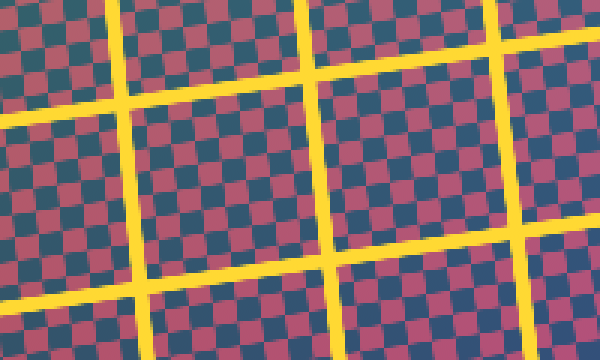
How to do it
- Start from an identity map with alpha 1 (the bake rig in section 11).
- Put your nodes after it, in the same order you would use on the plate: the order matters, a CornerPin after a Transform is not the same as before it.
- Write it as an EXR, 32-bit float, raw, with Zip compression.
- Apply it with one STMap node to every element. If you change the warp, render the map again and every element follows.
- Clean the edges. Where the chain leaves the frame empty, the map is black and the STMap repeats the bottom-left pixel of the source. Copy the alpha of the warped map into the result and premultiply: I checked in Nuke 17 that the outside goes from the source colour to 0, while the inside doesn't change.
09. Precision: always 32-bit float
The values of an STMap are positions: if they are rounded, the pixels go to the wrong place. I measured the error on a 2048-pixel-wide map saved with different bit depths:
| how the map is saved | position error at 2K |
|---|---|
| 8-bit (PNG, JPEG, 8-bit TIFF) | up to 4 pixels: the image breaks into steps of 8 pixels |
| 10-bit (DPX) | up to 1 pixel |
| 16-bit integer (16-bit TIFF, PNG) | under 0.02 pixels: fine |
| 16-bit half float EXR | up to 0.5 pixels in the right half and the top half of the image, at 2K and at 4K |
| 32-bit float EXR | exact |
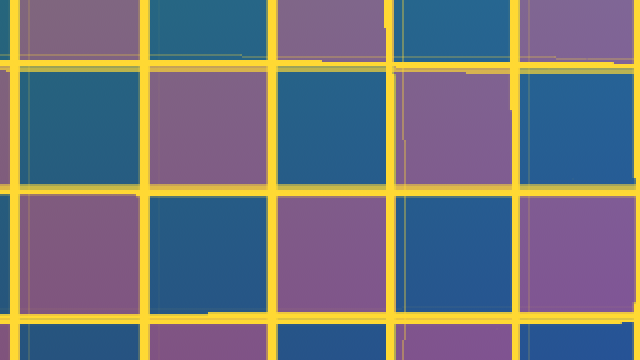
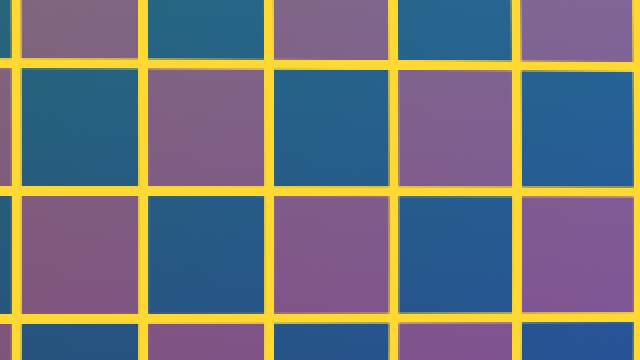
The trap is half float: in Nuke 17 the Write node saves EXRs as 16 bit half by default. A half float has only 11 bits of precision, so between 0.5 and 1 it can't store positions finer than one step every 1/2048, half a pixel at 2K. The result is a soft, slightly shifted image in half of the frame. Set the Write to 32 bit float, with a lossless compression (Zip or PIZ, never DWAA or DWAB, which are lossy), and check raw: the channels are data, not colours, and must not go through any colour transform.
10. STMap or IDistort?
Both move pixels with an image, but they read it differently:
- STMap reads absolute positions, from 0 to 1: "take the colour at this point". The identity is a gradient, an empty map is black.
- IDistort reads offsets in pixels: "take the colour 3 pixels to the left of here". The identity is black (zero offset), and you can scale the whole effect with a knob.
Use STMap for lens distortion, UVs and baked chains, where you know exactly where every pixel must come from. Use IDistort for effects driven by an image, like heat haze, refraction or a ripple, where you want to control the strength.
11. Nodes to paste
Copy a node, then in Nuke press Ctrl+V in the Node Graph. I paste-tested every one in Nuke 17.
An identity STMap: every pixel stores its own position. Through an STMap node it gives back the image unchanged.
The STMap node ready to use: connect the image to src and the map to stmap, the coordinates are read from red and green.
A mirror: s goes from 1 to 0, so the image is flipped horizontally.
A simple lens distortion STMap: k above 0 gives barrel distortion, below 0 pincushion. Only to experiment: for a real lens use LensDistortion with output set to STMap.
Is my STMap exact? Put this after a map that should be the identity (for example after writing and reading it back): it shows the error in pixels, in red for x and in green for y. Anything above 0.01 means the file has lost precision.
The bake rig: an identity map (with alpha) through a Transform and a CornerPin2D, written as a 32-bit float EXR. Put your GridWarp, SplineWarp or LensDistortion between the CornerPin and the Write, set the file path, and render: one STMap node will then apply the whole chain to any image.
Clean the edges: after the STMap, copy the alpha of the warped map and premultiply. Where the map was empty you get black instead of the repeated corner pixel. Connect the STMap result to B and the warped map to A.
12. Quick answers
- What do red and green mean? The horizontal and vertical position in the source, from 0 to 1: red 0.25, green 0.75 means "25% from the left, 75% from the bottom".
- Why is my image shifted by half a pixel? The STMap was made with x/width instead of (x+0.5)/width.
- Why is my image soft or wobbly after the STMap? The map was saved in 8 bits, 10 bits or half float: save it in 32-bit float.
- Why do the edges repeat a colour? Those parts of the map are black (0, 0) and point to the bottom-left corner of the source: copy the alpha of the map and premultiply.
- Why is the output the wrong size? The STMap node outputs the format of the map: the map must have the format you want to deliver (with overscan, if you undistort).
- Is my texture upside down with a UV pass? The v axis goes the other way in that renderer: use 1-g.
- Does an STMap need a colour transform? No: it's data. Read and write it as raw.
13. Useful links
- Foundry: working with STMaps (undistort, comp, redistort)
- Foundry: the STMap node
- Foundry: the LensDistortion node
- Foundry: the GridWarp node
- Foundry: the SplineWarp node
- Foundry: the IDistort node
- Nukepedia: Understanding UVMaps, warping with STMap (part 1)
- Nukepedia: Understanding UVMaps, warping with STMap (part 2)
- VFX Camera Database: lens distortion workflow
- Lens Distortion: STMap Invert
- UVRender
- CornerPin and Homography
- Transform Matrix 2D
- Filtering and Resampling: why every filter softens