Every compositor sooner or later goes hunting the web for the same handful of reference frames: the legendary Marcie
(the Kodak LAD test image), a Macbeth / ColorChecker chart, a neutral grayscale ramp, a PLUGE pattern.
Instead of chasing them one by one across a dozen forums, I collected the most useful ones in a single zip pack —
including versions in log space (Cineon) so you can test your OCIO / color management and your monitor calibration properly.
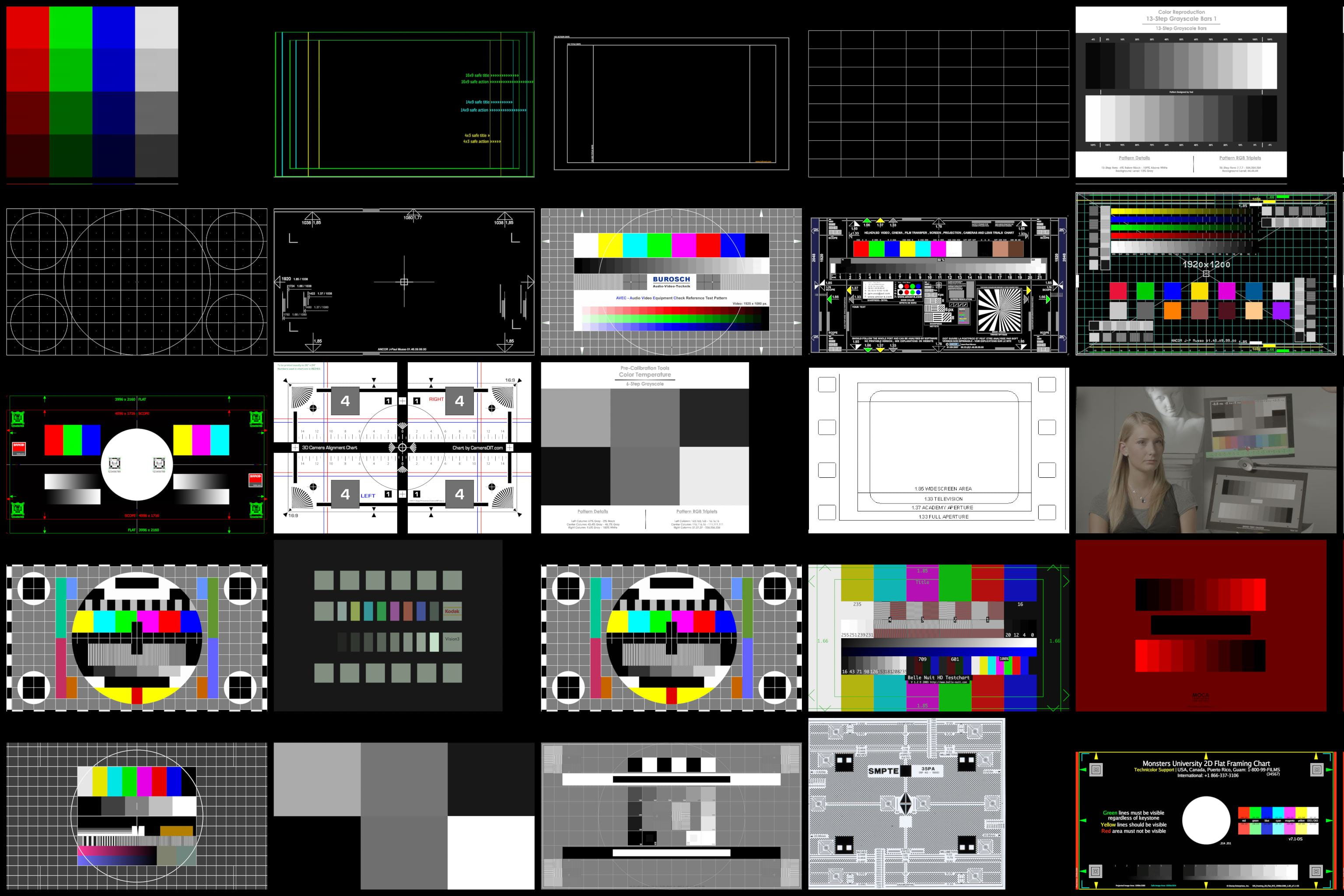
These frames are the quickest way to sanity-check a compositing setup. Drop Marcie in log into your script and, once your view transform is correct, she should look natural on screen. Load the Macbeth and the grayscale to verify that your LUTs, color space conversions and display path aren't shifting hue or crushing your blacks and whites.
Below you'll find the download, a short explanation of each image, and a list of useful links to grab even more references straight from the original sources.
Download the whole collection as a single zip (Marcie in log & converted, Macbeth, grayscale ramp, PLUGE and more):
Original source of the images: Hightail space → spaces.hightail.com/space/oUlvD07vT7
Download the packIndex
01. Marcie — the Kodak LAD test image
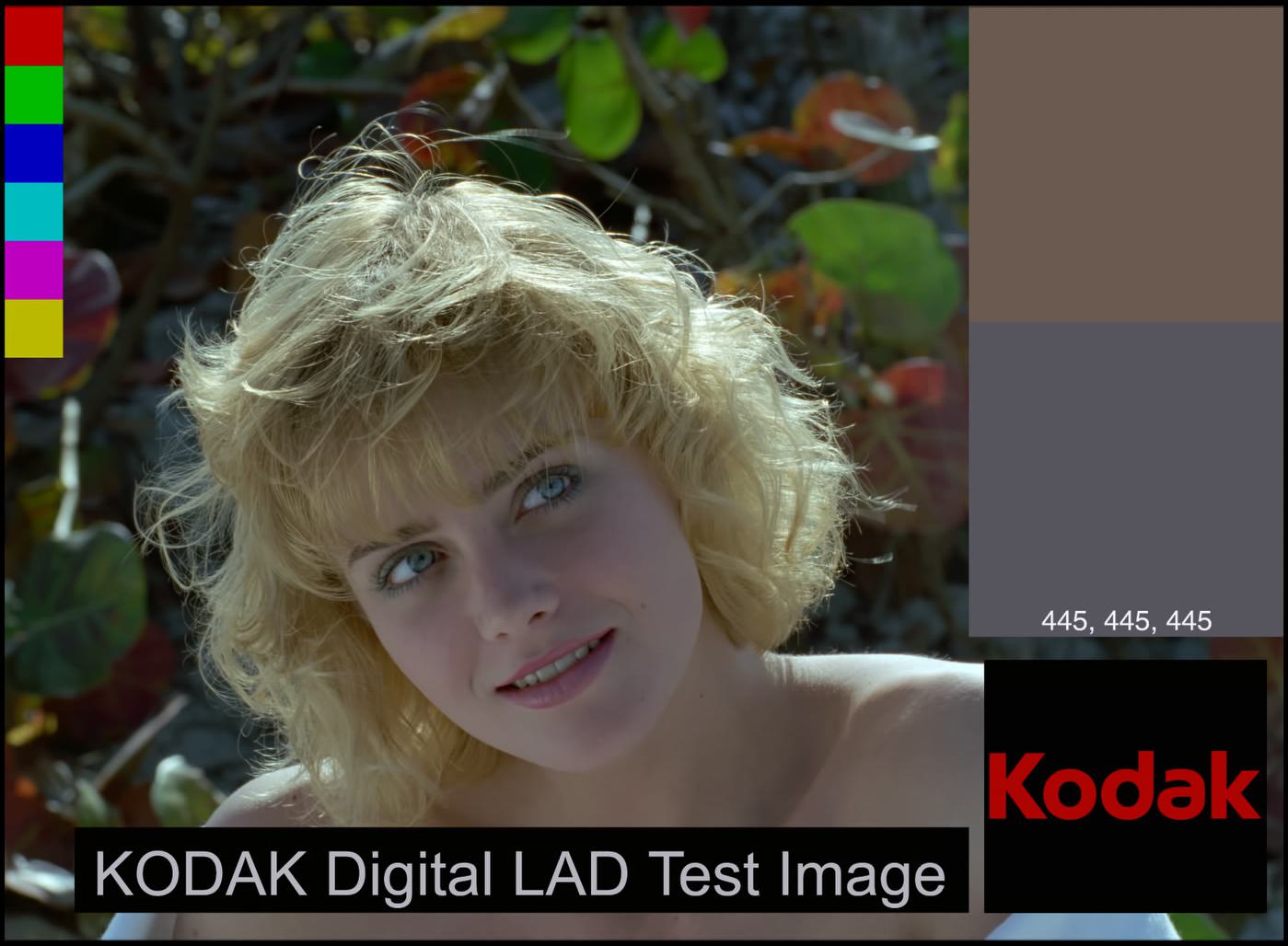
Marcie is the affectionate nickname of the Kodak Digital LAD Test Image (LAD = Laboratory Aim Density). It was created by Kodak as an aid to set up digital film recorders and to obtain properly exposed negatives and pleasing prints. Over the years she became the de-facto reference frame in visual effects, mostly because she is one of the very few production-grade film frames that has always been freely available.
She's perfect for compositing tests: a real face with skin tones, hair detail, saturated primary and secondary color patches, and a controlled neutral patch. If your color pipeline is set up correctly, Marcie tells you at a glance.
02. Why log space (Cineon)
The original Marcie ships as a Cineon file, encoded in log color space — that's why, opened raw, she looks washed out and low contrast. Log encoding stores the wide dynamic range of film negative efficiently across 10 bits per channel, which is exactly why it became the backbone of the DPX / Cineon film pipeline.
To make her look natural you apply the proper conversion. In older tools this was a Cineon Converter; today, in a modern color-managed comp, you set the input transform (e.g. Cineon / Filmlog to scene-linear) and let your view transform do the rest. Keeping a log version in the pack is the whole point: it lets you validate that your OCIO config, your LUTs and your monitor are all behaving.
# In Nuke: read the log frame, then convert to linear for compositing
read = nuke.nodes.Read(file="Marcie_cineon_log.dpx")
log2lin = nuke.nodes.Log2Lin()   # or a Colorspace / OCIOColorSpace node
log2lin.setInput(0, read)
03. Macbeth / ColorChecker & grayscale
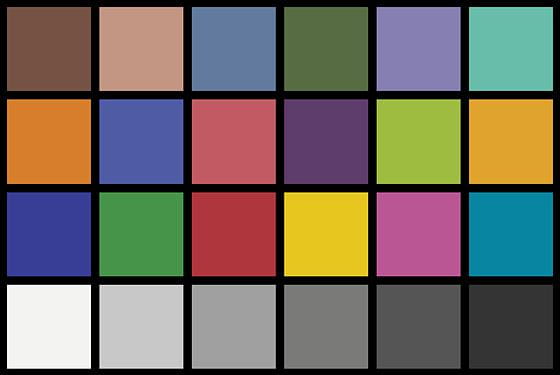
The Macbeth ColorChecker (introduced in 1976, later GretagMacbeth, then X-Rite, now Calibrite) is a 24-patch chart: 18 familiar colors plus a 6-step neutral grayscale. It's the standard reference to check color accuracy, white balance and tonal response — both for matching plates from different cameras and for validating a render against a real-world shot.
The pack also includes a neutral grayscale ramp and a PLUGE pattern: the fastest no-probe way to check that your display is showing the full range of tones without banding, hue shifts or crushed shadows/highlights. Great for laptops and for presentations on unknown screens.
04. Useful links
If you want to grab the originals or go deeper, these are the sources I'd recommend:
Kodak Digital LAD Test Image — Laboratory Tools and Techniques (DPX & Cineon ZIP, Cineon file format spec)
Kodak — Digital LAD User's Guide & Recorder Calibration Aims (PDF, H-387)
VFXNerd — unwatermarked Marcie chart, 2K & 4K (no Kodak logo)
Finalcolor — Marcie in Cineon log + ACES copy, Macbeth with PLUGE, 21-step grayscale
BabelColor — reference RGB / spectral data of the Macbeth ColorChecker
Academy Software Foundation — official OpenEXR sample images (HDR test frames)
GitHub · mikaelsundell/logctool — LogC3 stepcharts & ColorChecker test images (EXR)
GitHub · mikaelsundell/photographic-dctls — Macbeth 50D EXR & LogC3 / Cineon / ACES charts
ACEScentral — ACES reference images (.exr) & color pipeline discussion
VFX Brain — Macbeth colour checker with normalized RGB values
BlendSwap — 3D Macbeth ColorChecker model, calibrated on BabelColor data